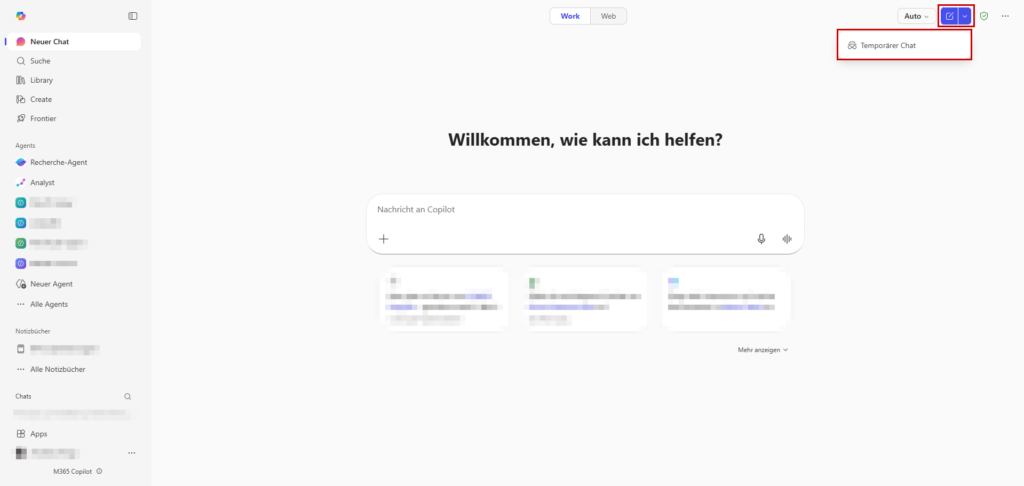
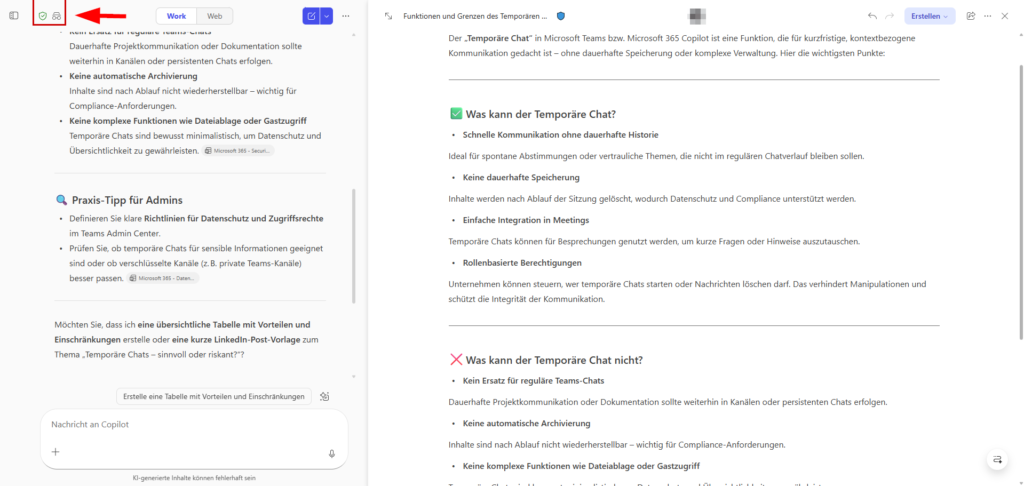
You may have already noticed the new switch in Microsoft 365 Copilot. Microsoft has retrofitted a function that many users already know from ChatGPT or Perplexity: Temporary Chat.
But while end users are happy about more privacy, alarm bells should ring for you as an admin, or at least questions should arise. What does "temporary" really mean in a regulated Microsoft 365 environment?
Is the data really irrevocably deleted as soon as the browser tab or the Teams window is closed?
Prerequisites & Scenario
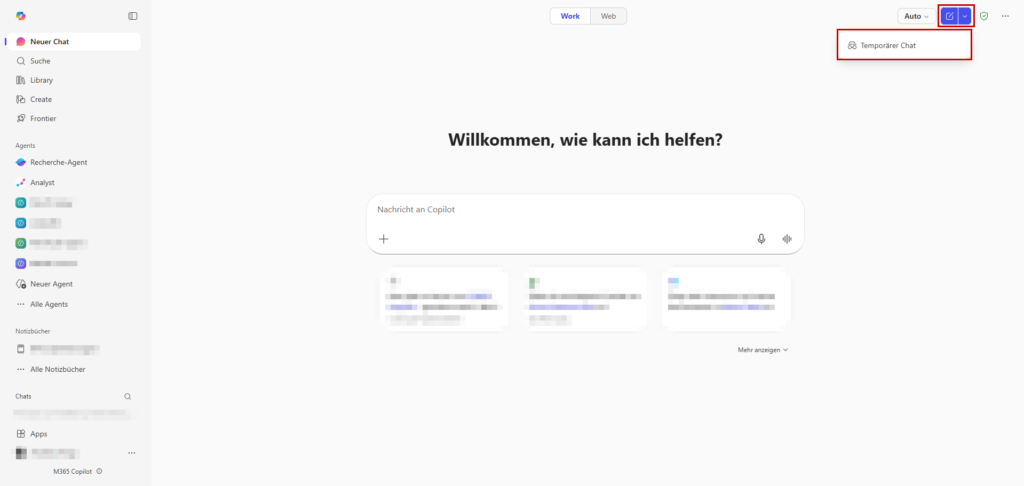
In order for you to follow the guide, we assume the following setup:
- Admin roles: For the compliance check, you need access to Microsoft Purview.
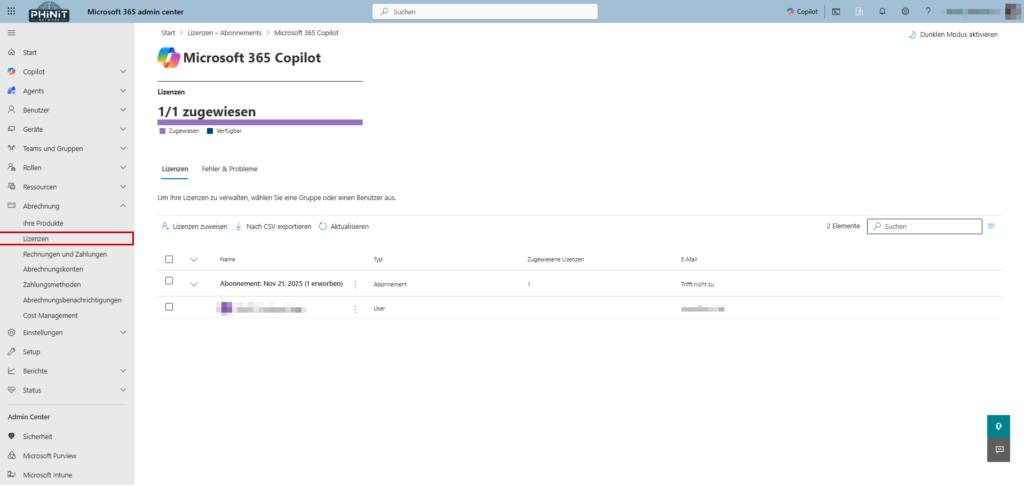
- License: Active Microsoft 365 Copilot license (with Graph access to M365 data).
- Tools: Access to the Microsoft 365 admin center and Microsoft Purview
What is temporary chat?
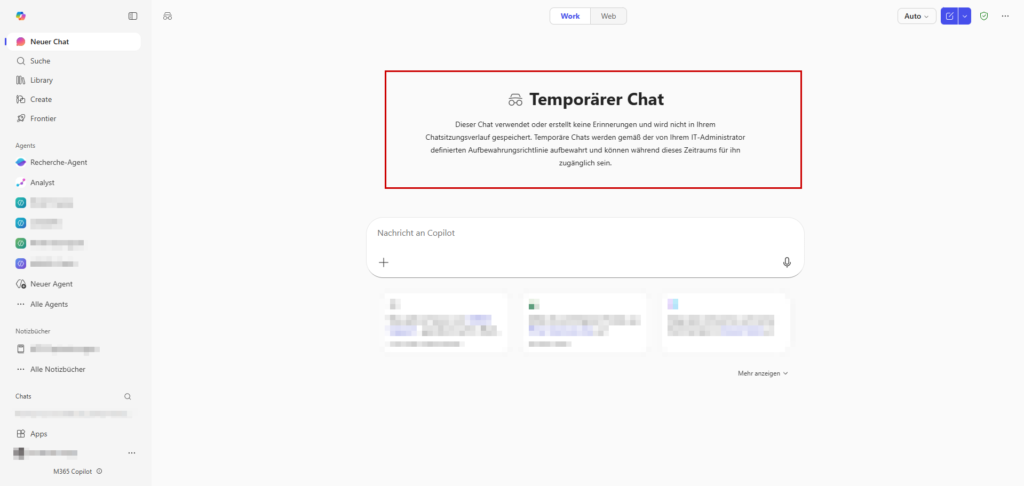
Technically, temporary chat is a session that runs in isolation from the copilot's persistent memory. It allows you to interact with the AI without the conversation being stored in the Conversations. This is especially relevant for ad-hoc requests that should not become part of your long-term work context.
The core features at a glance:
- No history in the frontend: As soon as you close the browser tab or end the session, the chat disappears from the interface. A later resume is not possible.
- No "memory": The content doesn't add to the long-term memories that Copilot typically builds to personalize responses. So your inputs in this mode will not affect the behavior of the co-pilot in future sessions.
- Functionality & Limitations: Basic functions such as citations and source references to company data work as usual.
- Note: Currently, there may be limitations on model selection (e.g., access to the very latest model iterations such as GPT-4o extensions or future versions) as the focus here is on speed and volatility.
When does that make sense?
Microsoft positions the temporary chat for scenarios in which a certain "tracelessness" on the user interface is desired. This is primarily about hygiene in the chat process and control over what the AI "learns" about the user.
Useful use cases are:
- Brainstorming & Drafts: Quickly find ideas without clogging the regular chat history ("conversations") with unfinished thought snippets.
- Avoidance of "memory" entries: When users want to prevent certain contextual information (e.g. confidential project internals or private notes) from ending up in the co-pilot's long-term memory and later unintentionally reappearing as a suggestion.
- One-offs: Classic "fire-and-forget" tasks such as quick translations, summaries of an email or code snippets that no longer need to be referenced later.
Tip: Since the history is irrevocably deleted as soon as the window closes, caution is advised. If you want to keep results from a temporary chat, you must actively save them.
Use Copilot Pages or copy the text in the classic way in Word or OneNote.

Compliance & Audit Logs
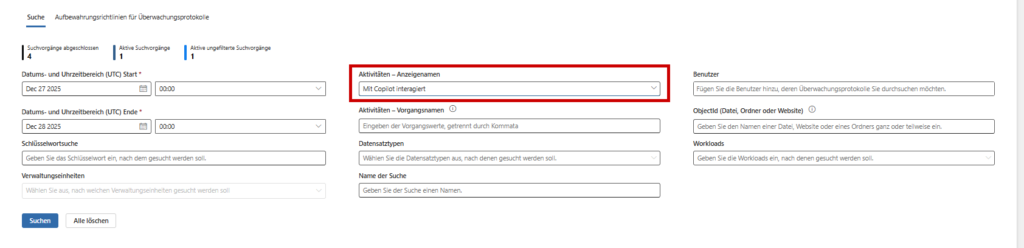
Here comes the most important point for you as an admin or compliance officer: Temporary does not mean invisible.
Even if the chat disappears from the end user's point of view, it remains audit-proof for the company. Microsoft stores the interactions on the backend to meet regulatory requirements. A "secret mode" does not exist in the Enterprise world.
Where the data remains:
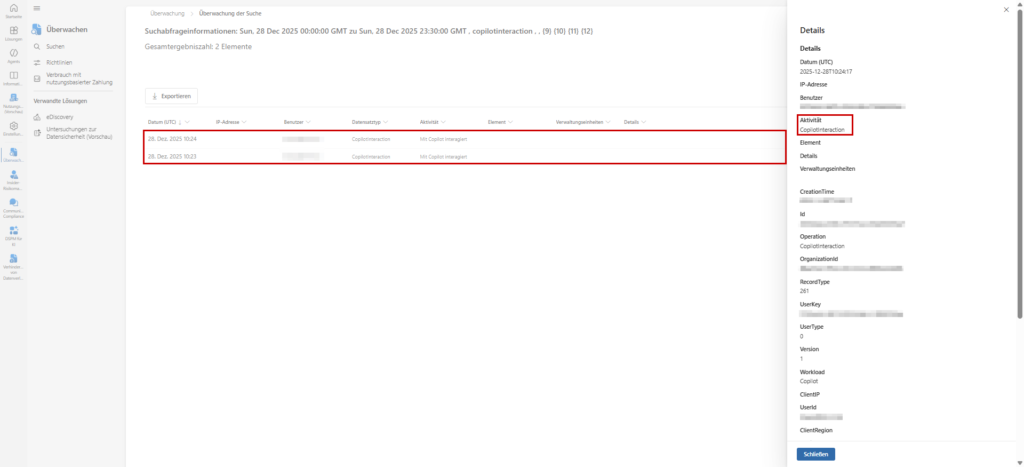
- Microsoft 365 Audit Logs: The interactions continue to generate events in the audit logs.
- Compliance Copies (eDiscovery): The chat content ends up in the hidden folder
TeamsMessagesDatain the user's Exchange mailbox (Substrate). This makes them fully discoverable and exportable via eDiscovery and Content Search. - Graph API: Via the
AiInteractionHistoryAPI, you (or your security tools) can still programmatically retrieve who sent which prompt and when.
The conclusion for your security strategy: If employees use temporary chat to perform actions that violate company policies – hoping to leave no trace – this is a fallacy. The "shadow IT" danger is lower than expected here, as you still have access to the interaction history.
Result
The temporary chat is primarily a usability feature, not a security feature. It is a welcome addition to keeping the digital workplace clean. It prevents the co-pilot course from being "cluttered" with trivialities and ensures that wild brainstorming sessions do not falsify the AI's long-term memory.
The most important things for you as an admin: From the point of view of IT security and compliance, nothing changes. In an enterprise environment, there is no real "secret mode". Every interaction with the company's AI remains – as we have seen in the audit logs – audit-proof and traceable.
It is worth educating users about this in detail: Temporary means "not visible in the client", but not "deleted from the system".
Other sources
| official data protection documentation | https://learn.microsoft.com/de-de/copilot/microsoft-365/microsoft-365-copilot-privacy |
| Microsoft Purview Audit Logs | https://learn.microsoft.com/de-de/purview/audit-search |

Sei der Erste und starte die Diskussion mit einem hilfreichen Beitrag.
Leave a comment
Dein Beitrag wird vor der Veröffentlichung kurz geprüft — fachlich, respektvoll und auf den Punkt ist hier genau richtig.