
Microsoft has announced another administrative role with the Message Center Update MC1215071 (from January 8, 2026): the Teams External Collaboration Administrator. This brings the number of available built-in roles in Entra ID to 134.
On paper, this sounds like granular security and the “least privilege” principle. In practice, however, this fragmentation often leads to the opposite: role bloat. If you’re not careful, you have an administrative attack surface that becomes confusing because no one knows exactly who actually holds which niche authorization.
The illusion of granularity
The new role aims to delegate the management of external access (federation, guest access) in Teams to a specific person. Technically, this isolates the permission to share external domains for chats or meetings.
The architectural problem here is the frequency of use. How often do you change the external collaboration settings in Teams? In most organizations, this happens initially during setup or quarterly during audits. Assigning a dedicated role for this purpose increases the complexity of identity management without providing operational added value. A Teams Administrator or Global Admin completes this task in minutes.
This role makes sense for Massive Enterprise Tenants with strictly segregated compliance departments. For the rest (SMB to Large Enterprise), it is noise in the system.
Cemetery: Zombies in Entra ID
Old roles are a far greater risk than new roles. As of January 2026, many tenants still have assignments for solutions that have long been EOL (End of Life).
A classic example is the knowledge administrator and knowledge manager roles. These were primarily intended for Viva Topics . Since Viva Topics was discontinued in February 2025, these roles are functional “tombstones”. If users continue to hold these roles, they violate the principle of necessity. They own rights to a system that no longer exists – or worse, the rights still access remaining graph endpoints that you no longer monitor.

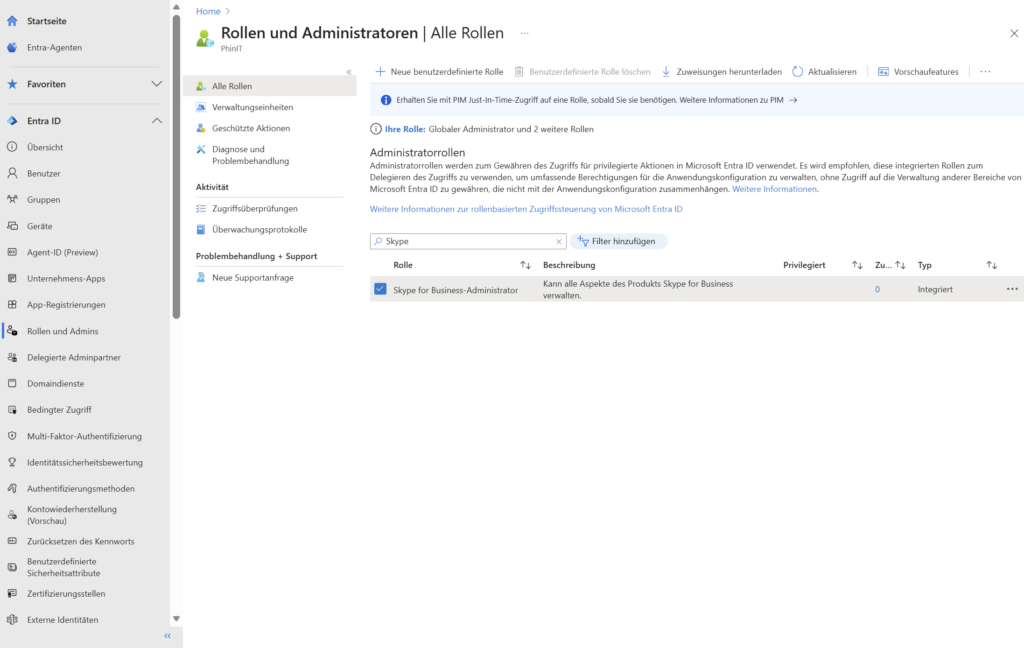
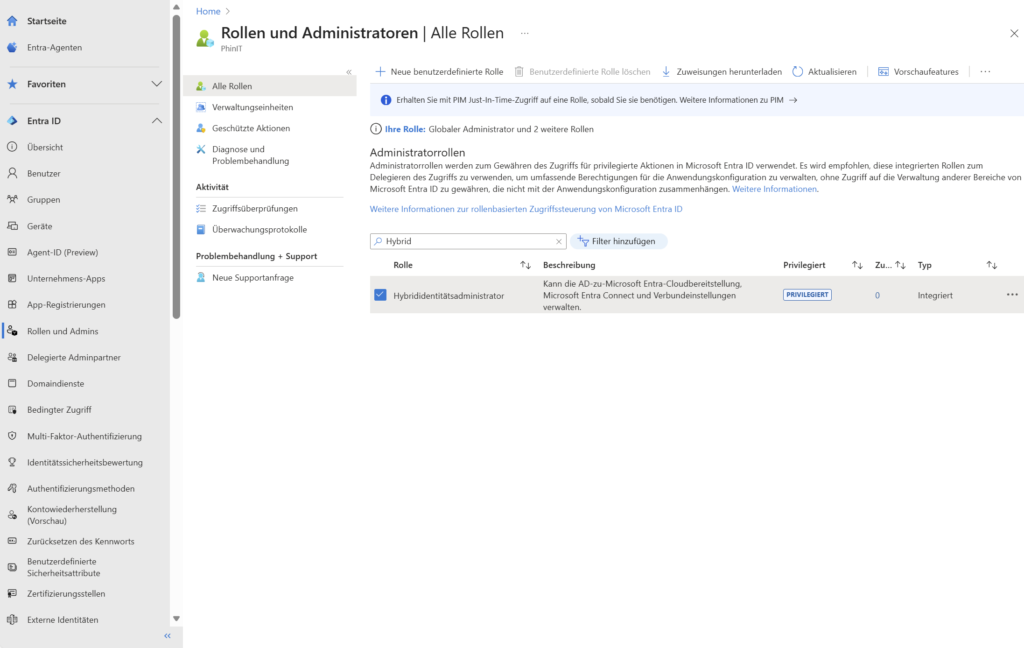
The same goes for Skype for Business admins in Teams-only environments or hybrid identity adminsin cloud-only tenants. These unused allocations inflate tokens and make it difficult to troubleshoot access issues.
Recommendation: The “Essential Set”
To ensure security and manageability, you should drastically reduce the number of actively assigned roles . For 95% of administrative tasks, the following 10 roles are sufficient in a standard tenant:
- Global Administrator (Break-Glass & Top-Level)
- Teams Administrator
- SharePoint Administrator
- Exchange Administrator
- User Administrator
- Groups Administrator
- Reports Reader (for Management/Auditors)
- Compliance Administrator
- Intune Administrator (Device Manager)
- Billing Administrator
Any role that goes beyond this must be technically justified. If you use PIM (Privileged Identity Management), the list of selectable roles will otherwise become a confusing scrolling desert for the user.
PowerShell | Audit & Cleanup
The Entra admin center is sluggish when it comes to identifying empty or infrequently used roles. A PowerShell audit is more precise here, as it immediately shows you which of the 134 templates are actually “Assigned”. We use the Microsoft Graph PowerShell SDK for this.
Step 1: Inventory of active roles
First, we identify which roles members have in the first place. This reduces the focus from 134 to the relevant ~30-40.
Connect-MgGraph -Scopes "RoleManagement.Read.Directory"

# Hole alle zugewiesenen Rollen (nicht nur die Templates)
$AssignedRoles = Get-MgDirectoryRole -All
Write-Host "Anzahl aktiver Rollen-Typen: $($AssignedRoles.Count)"

# Ausgabe der Rollen, die tatsächlich genutzt werden
$AssignedRoles | Sort-Object DisplayName | Format-Table DisplayName, Id
Step 2: Identification of orphaned members
Let’s say you want to find the members of the obsolete Knowledge Manager role to clean them up.
$RoleName = "Knowledge Manager"
$Role = Get-MgDirectoryRole -Filter "displayName eq '$RoleName'"

if ($Role) {
    $Members = Get-MgDirectoryRoleMember -DirectoryRoleId $Role.Id
    $Members | Select-Object Id, AdditionalProperties
} else {
    Write-Host "Rolle '$RoleName' ist im Tenant nicht aktiv/zugewiesen."
}
Step 3: Cleanup (Hard Reset)
Removing members via standard cmdlets such as Remove-MgDirectoryRoleMemberByRef can be error-prone, depending on the SDK version (e.g. V2.34). From an architectural point of view, the direct API call via Invoke-MgGraphRequest is more robust because it bypasses the overhead of the cmdlet wrapper.
Here’s the code to completely empty a role (beware: this removes all assignments!):
$TemplateId = $Role.Id
foreach ($Member in $Members) {
    $UserId = $Member.Id
    # Konstruktion der Graph API URI für DELETE
    $Uri = "https://graph.microsoft.com/v1.0/directoryRoles/roleTemplateId=$TemplateId/members/$UserId/`$ref"

    Write-Host "Entferne User $UserId aus Rolle..."
    Invoke-MgGraphRequest -Uri $Uri -Method Delete
}
Result
The introduction of the Teams External Collaboration Administrator is a symptom of Microsoft’s drive to cast each function into its own role. Resist the impulse to distribute these new roles immediately.
A clean tenant is not characterized by the maximum number of roles used, but by the minimum number of privileges necessary to maintain operations. Use January 2026 to cut off old habits like Viva roles and strip your RBAC structure down to the essentials. Security comes from clarity.
further links
| Merill.net | Message ID: MC1215071 | https://mc.merill.net/message/MC1215071 |
| Microsoft Learn | Microsoft Teams administrator roles to manage Teams | https://learn.microsoft.com/microsoftteams/using-admin-roles |
| Microsoft Learn | Microsoft Entra built-in roles | https://learn.microsoft.com/entra/identity/role-based-access-control/permissions-reference |
| Entra.News | Entra Mind Maps by Merill Fernando | https://entra.news/p/entra-mind-maps |





Be the first to comment