
The From header in an email is a plain text field. Any sender can write whatever they want in it, and that's exactly what attackers do in CEO fraud and invoice scams. Your domain then appears in the recipient's inbox, even though the message never passed through your tenant. SPF and DKIM alone don't change this because both methods verify different identifiers than the one the user sees. Only DMARC links the verification results to the visible sender and turns two individual measures into an enforceable policy.
Why SPF and DKIM Don’t Protect the Visible Sender
SPF checks the envelope address, i.e., the identifier from the SMTP MAIL FROM command (also known as 5321.MailFrom or P1 sender). The domain in this identifier does not necessarily have to match the domain in the From header (5322.From, P2 sender). An attacker registers their own domain, publishes a clean SPF record for it, sends emails via an authorized server, and still sets buchhaltung@deine-domain.de in the From header. SPF returns a clean pass because it verifies what the attacker controls themselves.
DKIM has the same structural issue from a different angle. The signature proves that the signed headers and the body have remained unchanged since signing and that the signing domain from the d= tag assumes responsibility. Here, too, the signing domain does not have to be the sender domain. A message can carry multiple valid DKIM signatures, and an attacker simply signs with their own domain.
The missing piece is called Identifier Alignment. DMARC requires that at least one of the authenticated identifiers matches the domain in the From header: either the SPF-verified MAIL FROM domain or the DKIM signature domain. If neither matches, DMARC fails. Two modes are available: Relaxed (default) requires the same organizational domain and allows subdomains, while Strict requires an identical string. In practice, Relaxed is sufficient for almost all scenarios, as otherwise bounce subdomains and mailing services would fail in large numbers.
| Identifier | Checks what | Relation to From header |
| SPF | Sender IP against TXT record of MAIL-FROM domain | none without DMARC |
| DKIM | Signature over header and body, domain from d= | none without DMARC |
| DMARC | Alignment of the above results with 5322.From | exactly this |
One practical consequence: DMARC only evaluates the SPF check of the MAIL FROM identity. An SPF pass that is achieved solely through the HELO identity does not help DMARC.
What RFC 9989 Changes as of May 2026
On May 20, 2026, the RFC Editor published the revised DMARC specification. RFC 9989 outlines the core protocol, RFC 9990 covers aggregate reporting, and RFC 9991 addresses failure reports. Together, these documents supersede RFC 7489 and RFC 9091. For the first time, DMARC is now an IETF Standards Track document (Proposed Standard) rather than merely informational.
For your existing records, this is not a breaking change. The version identifier remains v=DMARC1, and the tags p, sp, adkim, aspf, rua, ruf, and fo retain their meaning. However, there are three points you should be aware of, as they affect your rollout strategy.
Firstly, the pct tag has been removed. RFC 9989 dedicates a separate appendix to its removal. It is replaced by t=y as a test mode: The recipient then applies a policy one level below the declared policy, meaning p=reject effectively becomes quarantine. Unknown tags must be ignored, so a lingering pct=100 does no harm. A staggered percentage below 100, however, no longer has a specified effect.
Second, the DNS tree walk replaces the Public Suffix List for determining the organizational domain. The receiving server works its way up label by label, with a maximum of eight queries. For author domains with more than eight labels, you must publish the policy record directly at the domain; otherwise, it won't be found.
Third, there are new tags: np for non-existent subdomains, psd to mark public suffix domains, and the aforementioned t. np=reject in particular is useful because attackers often use invented subdomains like invoice.your-domain.de.
In its DMARC documentation, Microsoft Learn still references RFC 7489 and describes pct as a standard tag. This reflects the current state of the documentation, though it does not alter the normative situation.
SPF, DKIM, DMARC
Setting Up SPF Correctly
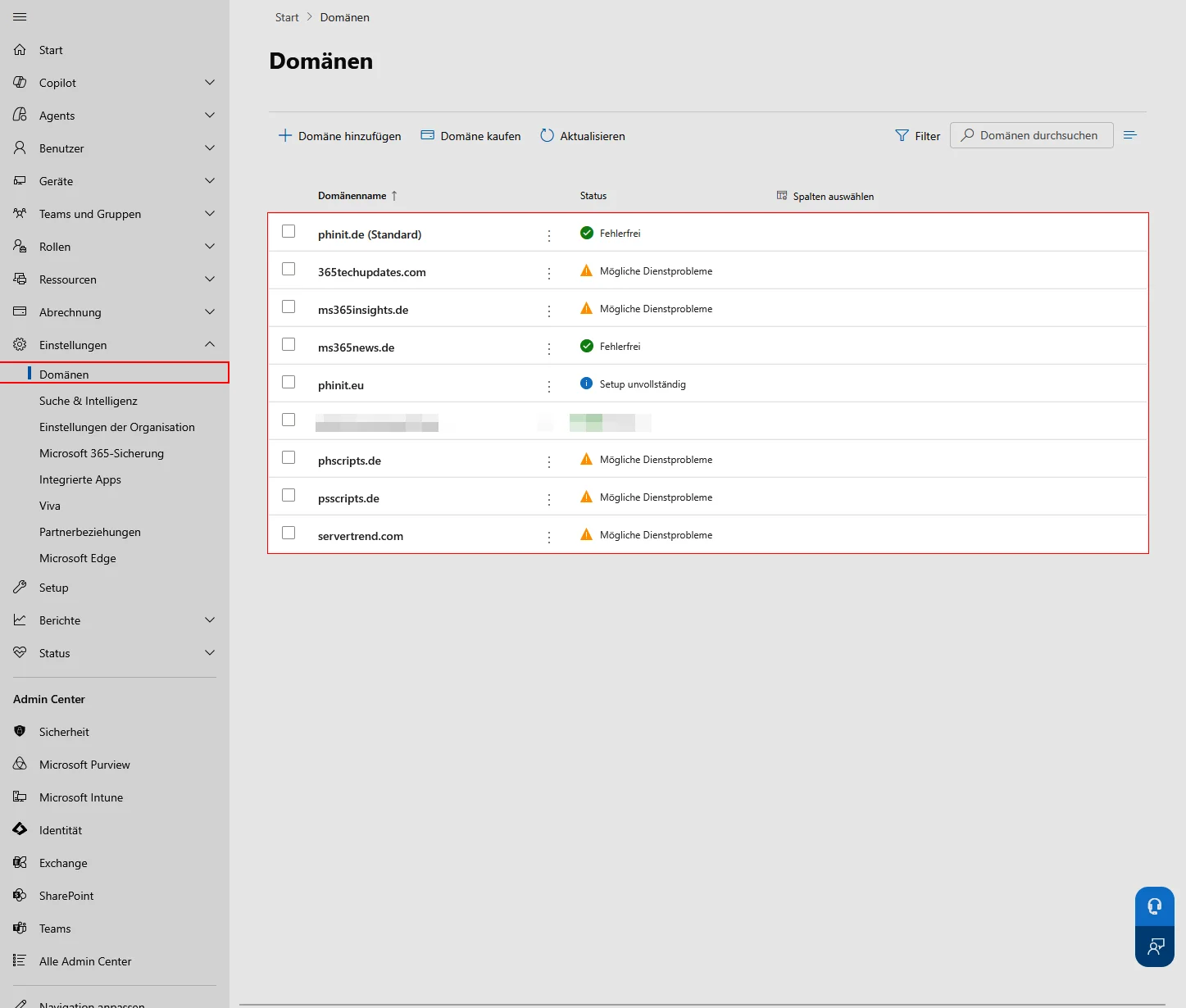
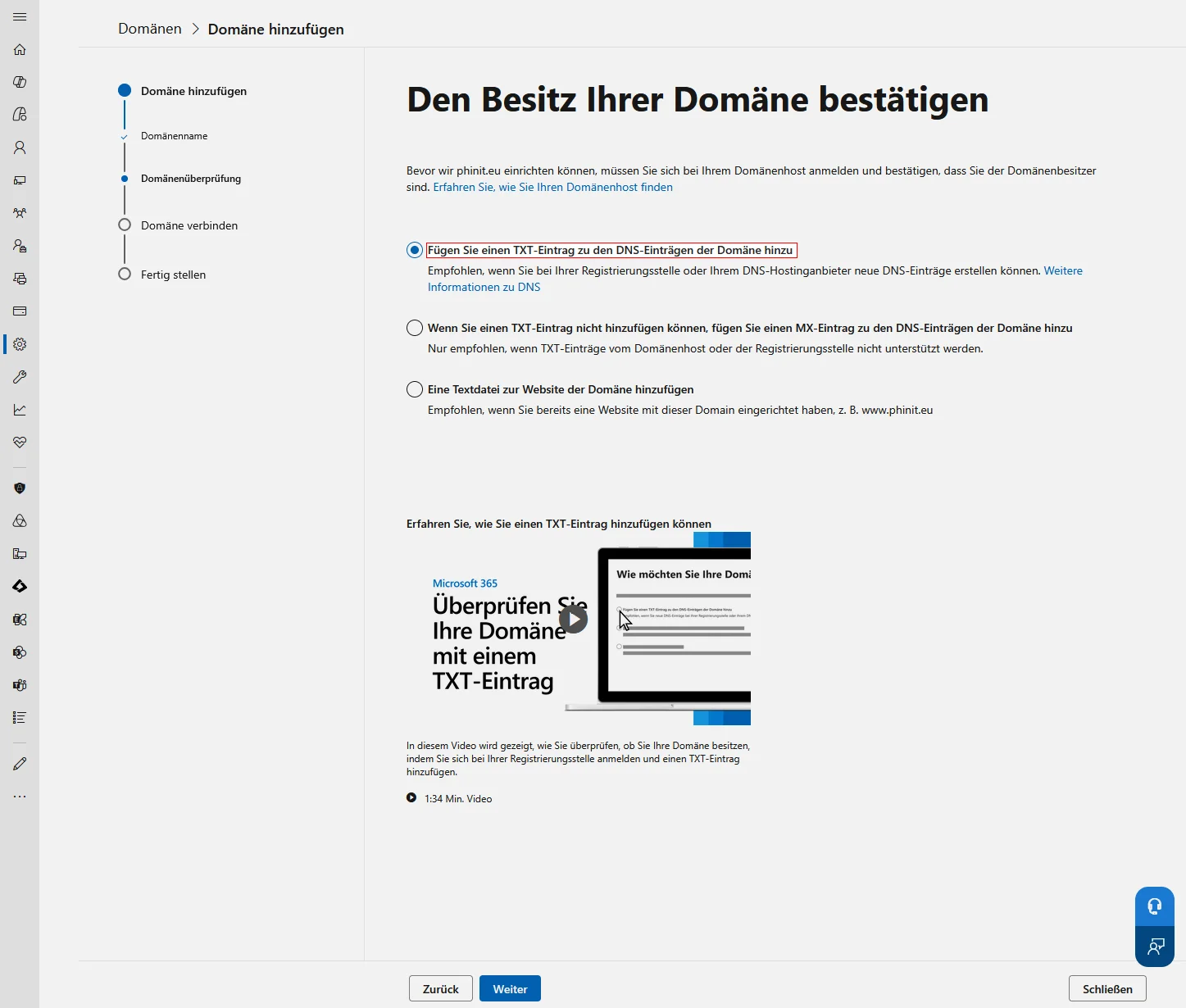
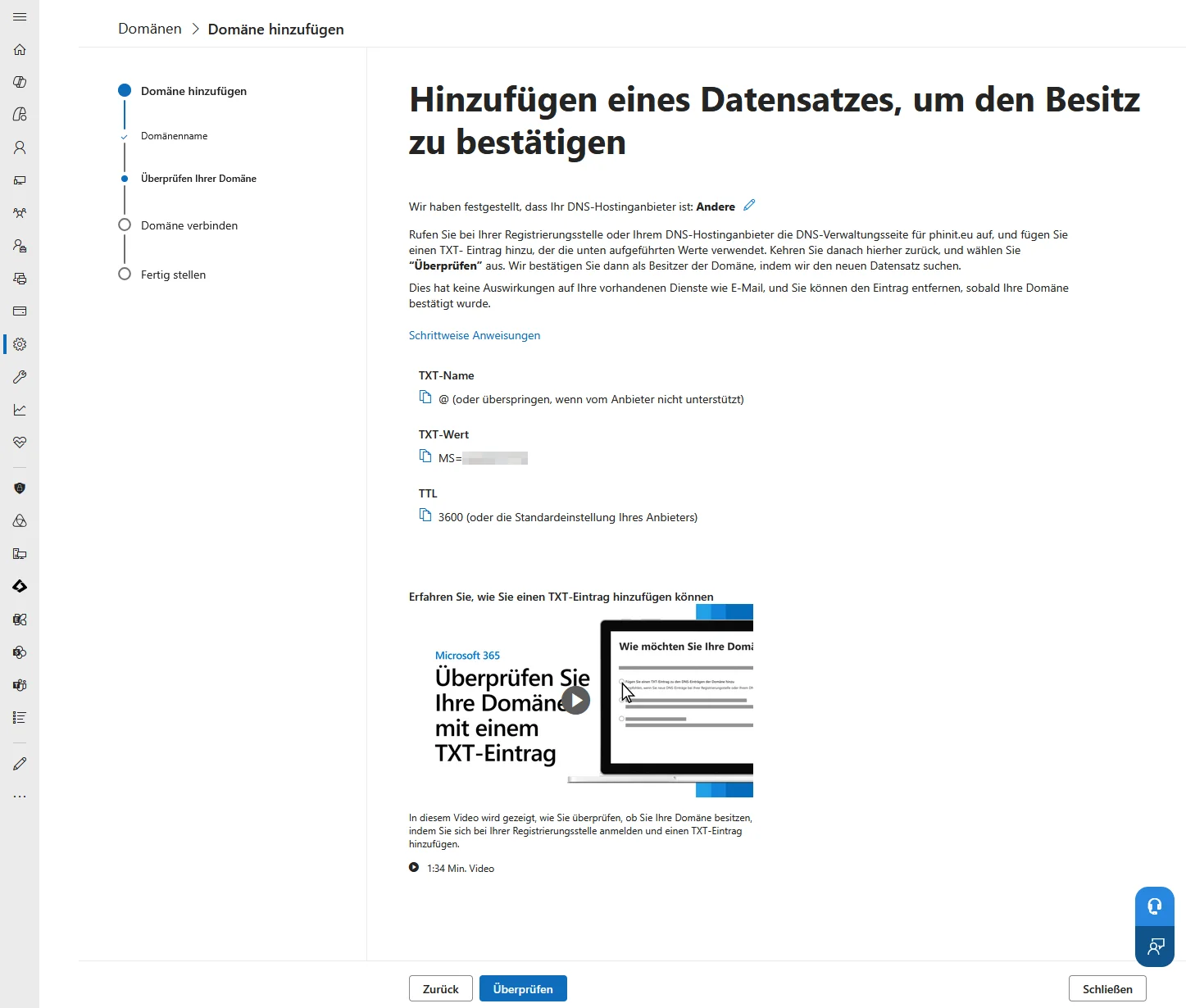
For the initial domain *.onmicrosoft.com, Microsoft manages the SPF record itself—no action is required on your part. For any custom domain, you must create the TXT record at your registrar, as Microsoft 365 does not provide a portal function or cmdlet for this.
v=spf1 include:spf.protection.outlook.com -allMicrosoft recommends using the hard fail -all for M365 domains and justifies this with DMARC: With ~all, the DMARC policy effectively becomes ineffective if the message also lacks a DKIM signature. Therefore, leaving Softfail in place wastes part of the effectiveness of p=reject.
Two limits shape everyday operations. Each domain or subdomain permits exactly one SPF record; multiple records result in a permerror. Additionally, evaluation may trigger no more than ten DNS lookups. Every include:, a, mx, exists, and redirect counts toward this limit, with nested includes counting multiple times. IP addresses and CIDR ranges do not. If your record is pushing this limit, offload newsletter and ticketing systems to a dedicated subdomain—each subdomain comes with its own lookup budget. A TTL of at least 3600 seconds prevents timeouts from causing sporadic validation failures.
Enabling DKIM for Your Own Domain
Without configuration, Microsoft 365 does not sign outgoing messages from your custom domain. For senders in the initial *.onmicrosoft.com domain, signing happens automatically—but this doesn’t help with alignment, since the From header contains your actual domain.
You can find your way to the portal here - https://security.microsoft.com/authentication?viewid=DKIM
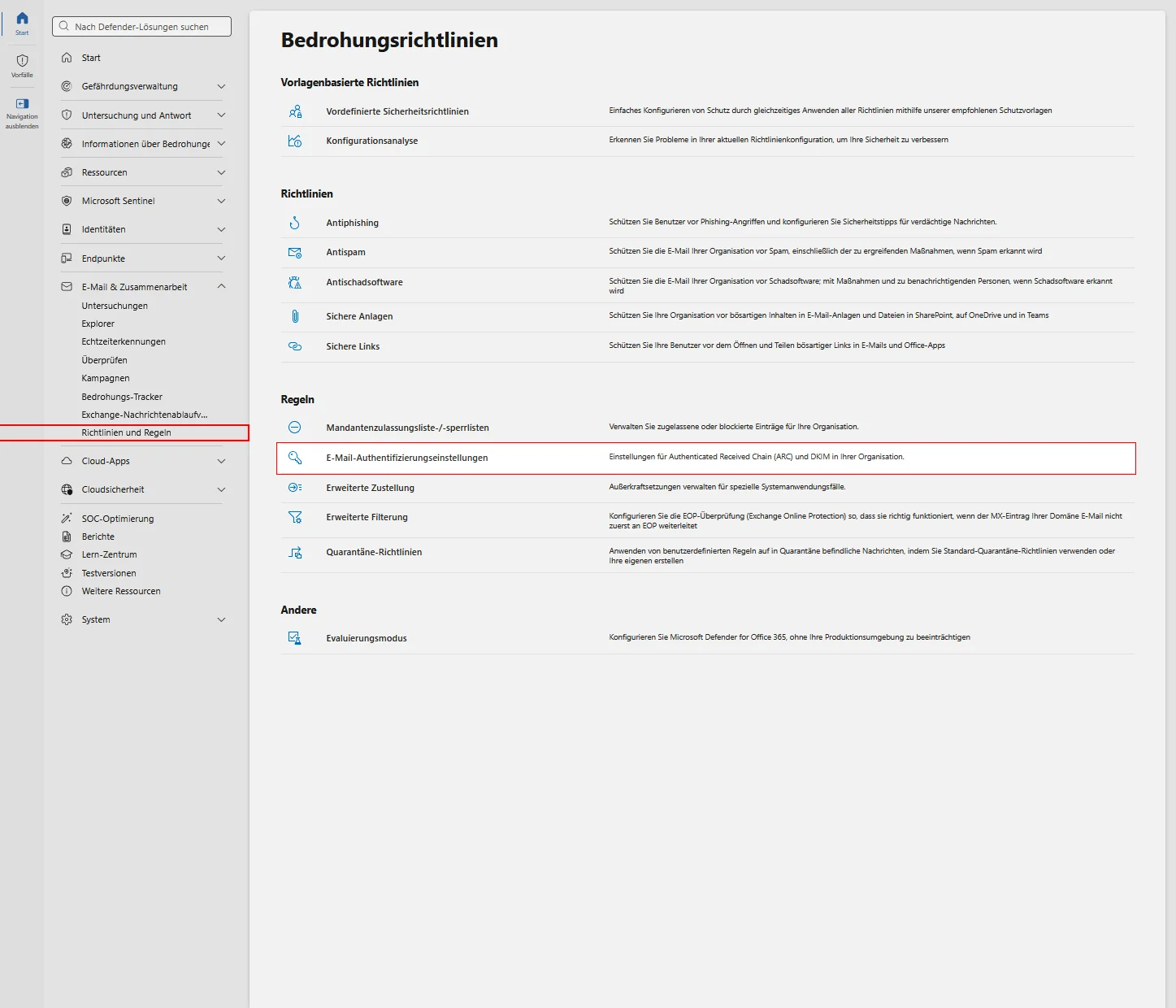
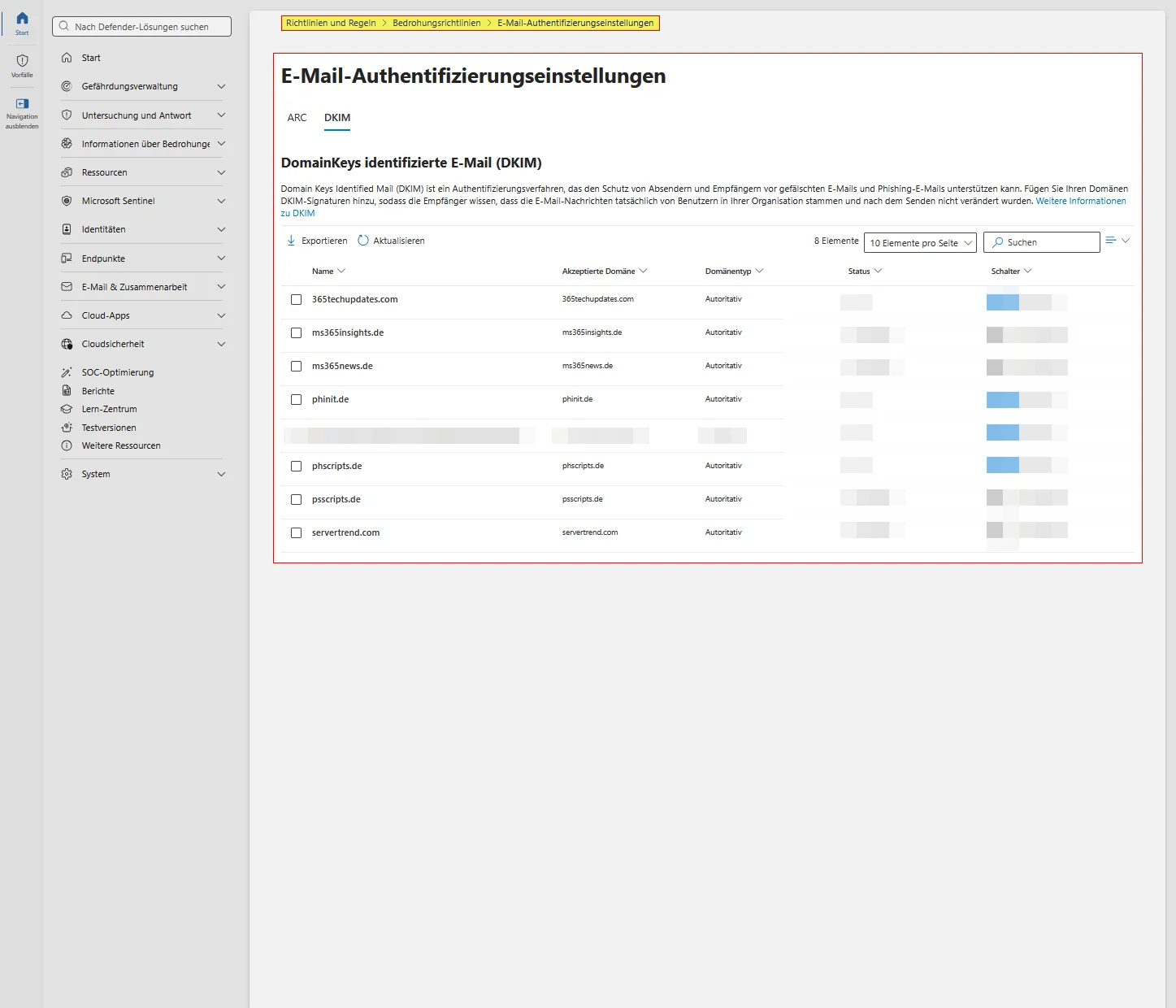
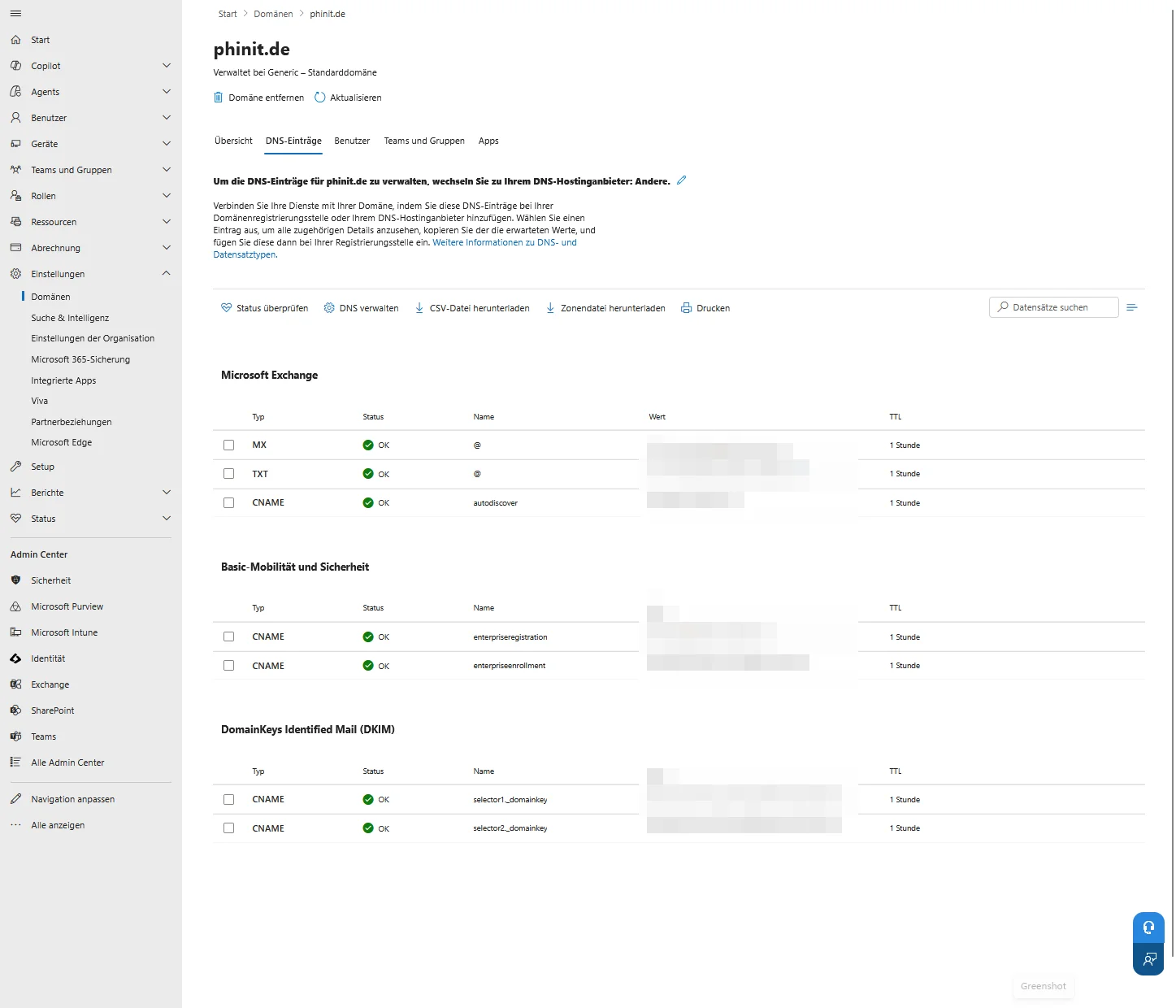
When activated, Microsoft generates two key pairs and expects two CNAME records in your domain's DNS. Only one selector is ever active, with the second existing for rotation purposes. You should retrieve the target values from the portal or via PowerShell—do not construct them manually.
Get-DkimSigningConfig -Identity contoso.de |
    Format-List Name,Enabled,Status,Selector1CNAME,Selector2CNAME
Starting in May 2025, newly added custom domains will use a revised CNAME format with a dynamically assigned partition character.
selector1._domainkey  CNAME  selector1-contoso-de._domainkey.contoso.n-v1.dkim.mail.microsoft
selector2._domainkey  CNAME  selector2-contoso-de._domainkey.contoso.n-v1.dkim.mail.microsoft
Further information can be found in the German-language article.

Sei der Erste und starte die Diskussion mit einem hilfreichen Beitrag.
Leave a comment
Dein Beitrag wird vor der Veröffentlichung kurz geprüft — fachlich, respektvoll und auf den Punkt ist hier genau richtig.