
Organization Settings – Organization Profile
The organization profile controls central Microsoft 365 settings. The configuration is intended to ensure data protection and internal policies.
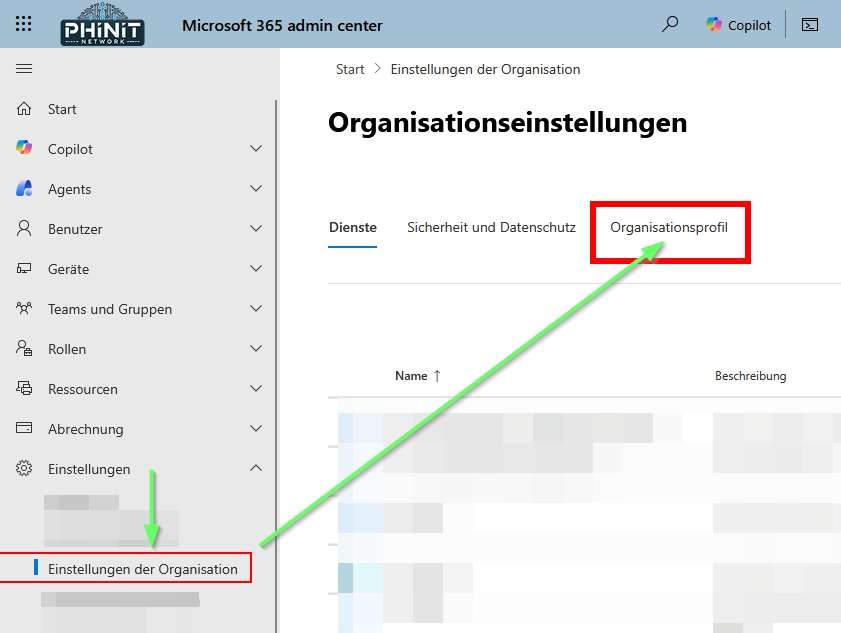
In the following article, you will get a detailed overview of the most important configuration options and learn how you can make your organization more secure and privacy-friendly step by step.
Custom designs

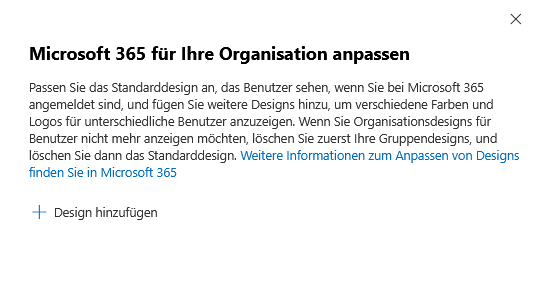
When customizing Microsoft 365 to meet your organization’s needs, it’s important to make the default design reflect your brand colors and logos.
It must be ensured that all graphic elements used are both copyright-free and compliant with data protection regulations. In addition, only design elements that do not disclose personal data and comply with internal data protection guidelines should be used.
In order to accommodate different user groups, it is advisable to implement different designs without disclosing sensitive information. Binding processes must be defined for the control of design changes. Regular checks for data protection compliance are essential here.
Custom tiles for apps

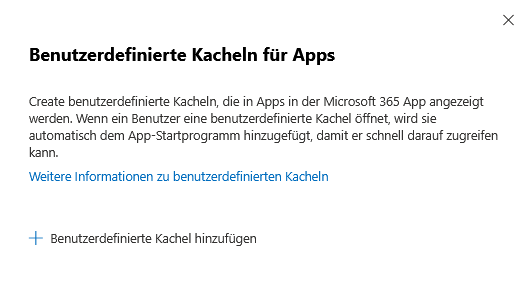
When setting up custom tiles in Microsoft 365, make sure that they only point to apps that you actually need that meet privacy standards.
It is necessary to check all linked applications for compliance with data protection and security requirements.
The design of the tiles must be user-friendly and intuitive to avoid misunderstandings. In addition, the timeliness and relevance of the tiles should be checked regularly in order to identify and close potential data protection gaps at an early stage.
Data storage location

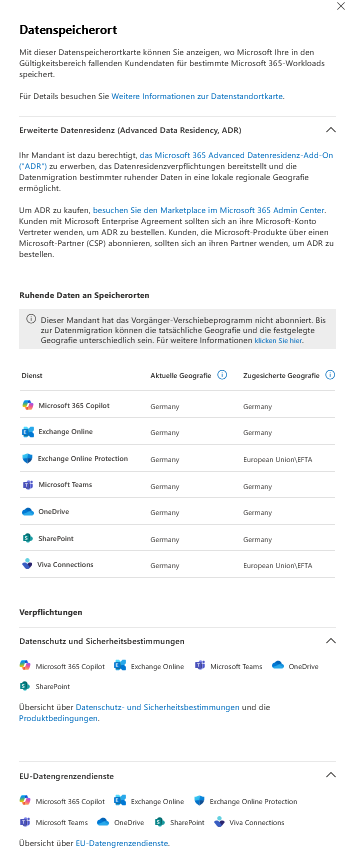
When determining where data is stored in Microsoft 365, it’s important to ensure transparency with users and inform them of the actual locations.
Ideally, customer data is stored within the EU, preferably in German data centers. Options such as the Advanced Data Residency Add-on (ADR) can be used for regional data storage.
Regular checks of data locations are necessary in order to adjust the settings accordingly in the event of changes in data protection requirements.
Send email notifications from your domain

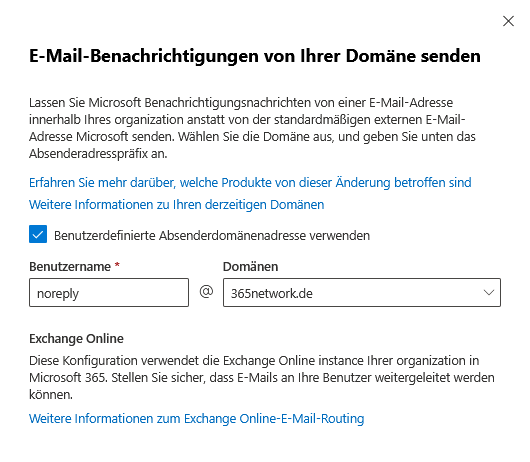
For the configuration of email notifications in Microsoft 365 that are sent from your own domain, a clear definition of the sender addresses (e.g. “noreply@deinedomain.de”) is recommended to create transparency and avoid confusion.
It must be ensured that all e-mail transmissions comply with internal data protection and security guidelines and, if necessary, are secured by additional encryption mechanisms.
Settings should be reviewed and updated regularly to meet new security requirements.
Help Desk Information

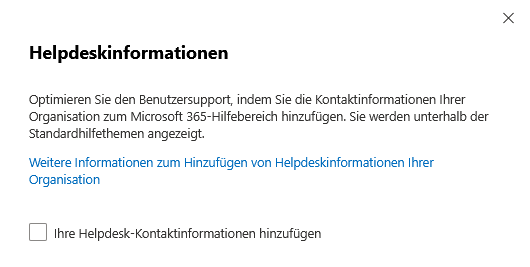
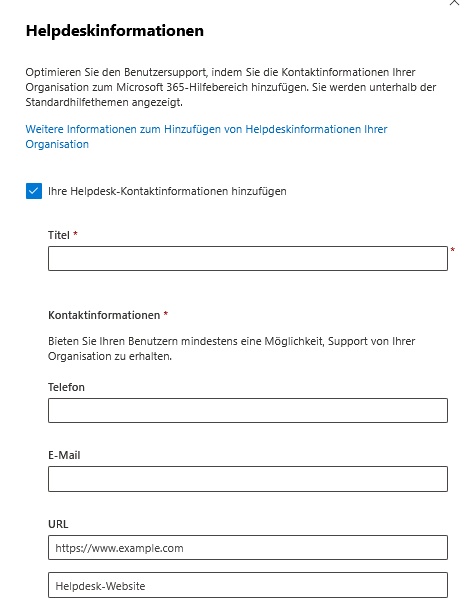
When setting up help desk information in Microsoft 365, it’s important to use only official business contacts, such as phone numbers, email addresses, and URLs, to ensure privacy.
Private data should be avoided at all costs. The helpdesk information must be placed in a way that is easy to find and understandable for all users.
Data security must also be guaranteed when transmitting information via the helpdesk so that the applicable data protection standards are always complied with.
Multi-tenant collaboration

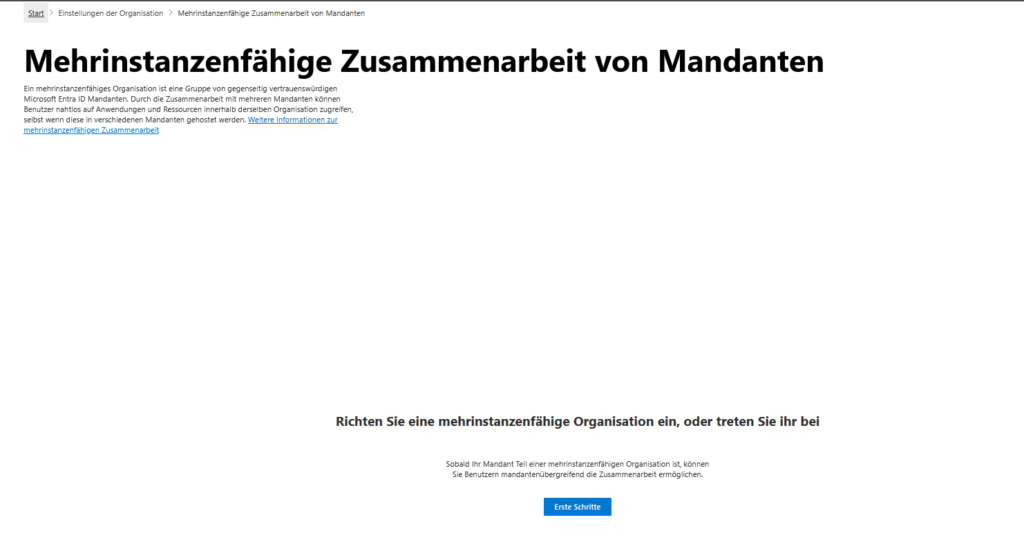
For multi-tenant collaboration within an organization that uses Microsoft Entra ID, it is important to ensure that collaboration occurs only with trusted partners.
Strict authorization management must be implemented to prevent unauthorized data access.
In addition, technical monitoring and logging systems must be used to track all activities and ensure a rapid response to data protection incidents.
Organizational Information

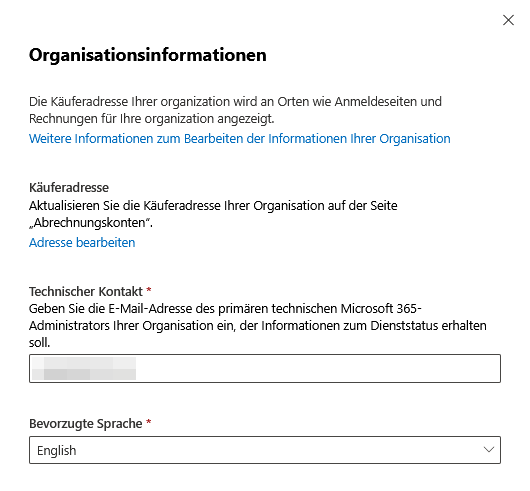
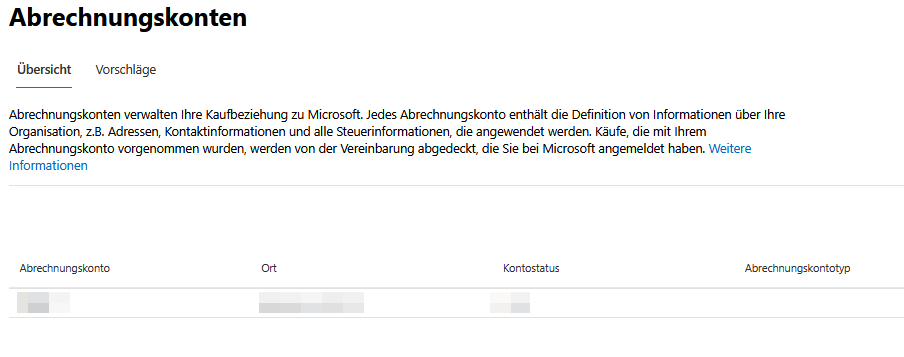
When updating organizational information in Microsoft 365, make sure that all information is always up-to-date and complete. Only use official and privacy-compliant contact details.
- Buyer’s address: Your organization’s buyer address appears in various places, such as sign-in pages and invoices. Update this address regularly on the Billing Accounts page to ensure that all information is accurate and up to date.
- Technical contact: Leave the email address of your organization’s primary Microsoft 365 technical administrator so they can receive relevant service status information and technical notifications.
- Preferred language: Specify the preferred language for communication and system notifications to ensure smooth communication.
Release settings

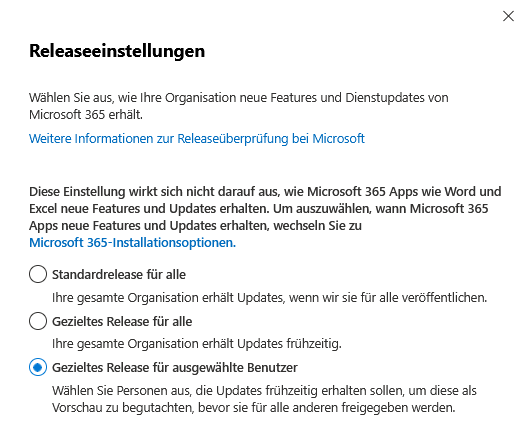
To determine the release settings in Microsoft 365, it should be checked whether new updates are first evaluated in a test environment before they are implemented across the board.
A risk-based adjustment is required by assessing whether the new features meet data protection requirements before each update.
If in doubt, data-saving settings should be selected. Users must be proactively informed of upcoming changes and, if necessary, training should be provided to clarify data protection issues.
Support Integration

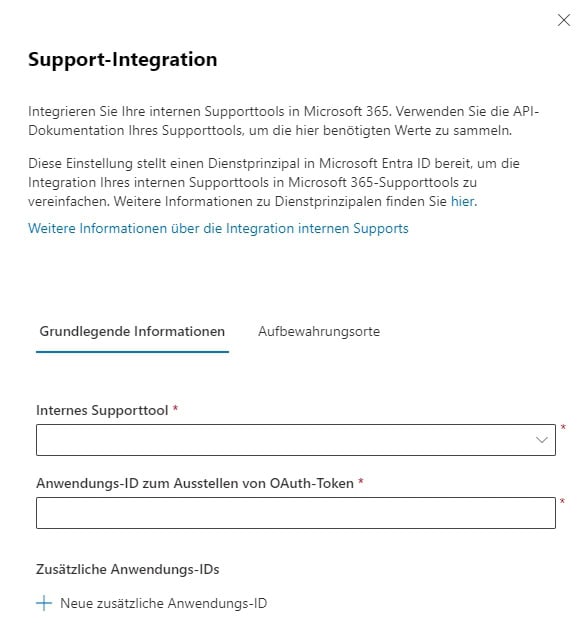
When integrating internal support tools into Microsoft 365, the use of official API documentation and the establishment of secure service principals in Microsoft Entra ID is essential to ensure privacy-compliant communication.
It is important to ensure that only the absolutely necessary data is collected and processed in order to optimize the support process. The transmission of sensitive information must be avoided.
Finally, comprehensive integration tests must be carried out to rule out security gaps and meet all data protection requirements.
With the recommended measures, you’ll meet the GDPR requirements in Microsoft 365 and get a user-friendly experience. Document all settings and check them regularly to prove data protection. A clear concept improves data security and increases IT efficiency.
further links
| MS365 | Teams | Zusammenarbeit mit Teams & Co. |
| MS365 | Teams | PowerShell | SBC – Telefonnummer hinterlegen |
| MS365 | Teams | Datenschutz in Microsoft Teams |
Be the first to comment