
Inhaltsverzeichnis
A lot of what comes up as recurring admin tasks ends up on GitHub as a tool sooner or later. Instead of cryptic one-liners in the console, this gives rise to tools with a usable interface, German-language documentation and a transparent security policy.
The following projects all come from daily practice as a Microsoft 365 consultant and IT lead. They are mostly released under the MIT license, free to use and deployable in your own environments – and the PowerShell scripts are code-signed. They are all gathered in the GitHub organization PS-PhinIT.
PowerShell & Active Directory
The largest share of my tools covers classic Windows and AD administration – from onboarding new employees through groups and passwords to file permissions.
| Repository | Zweck |
| PhinIT.easyONBOARDING | Complete onboarding tool with a WPF interface: creates new users, manages AD groups and edits INI configurations in a single pass. Requires PowerShell 7 and administrator rights. |
| PhinIT.ADGroups | Creates Active Directory groups through a Windows 11-style interface – individually, as a number range or as a bulk import via CSV. With templates, live user search, validation, a dry-run mode and optional email notification. |
| PhinIT.ADPassword | GUI for resetting AD passwords for individual users, entire OUs or groups, with separate reports for users and administrators. |
| PhinIT.Folder | Two tools for NTFS permissions: a Manager for setting and selectively removing rights (with a restorable backup) and a Reader for recursive analysis with a tree view and HTML export. Beta: transfer to SharePoint Online. |
| PhinIT.ActiveDirectory | A collection of further PowerShell tools for managing Active Directory. Reading out BitLocker and LAPS values. |
| PhinIT.Tools | A workbench for mixed scripts and helpers – experimental, in development or too small for a repository of their own. |
| PhinIT.Audit-Reporting | This repository bundles audit and reporting tools to bring transparency to server landscapes, Active Directory structures and client configurations. |
Microsoft 365 & Exchange
For the cloud side there are two tools around Exchange Online.
| Repository | Zweck |
| PhinIT.M365_ExchangeOnlineGUI | Graphical management for Exchange Online: controls mailboxes and calendar permissions through an interface instead of command by command in the shell. |
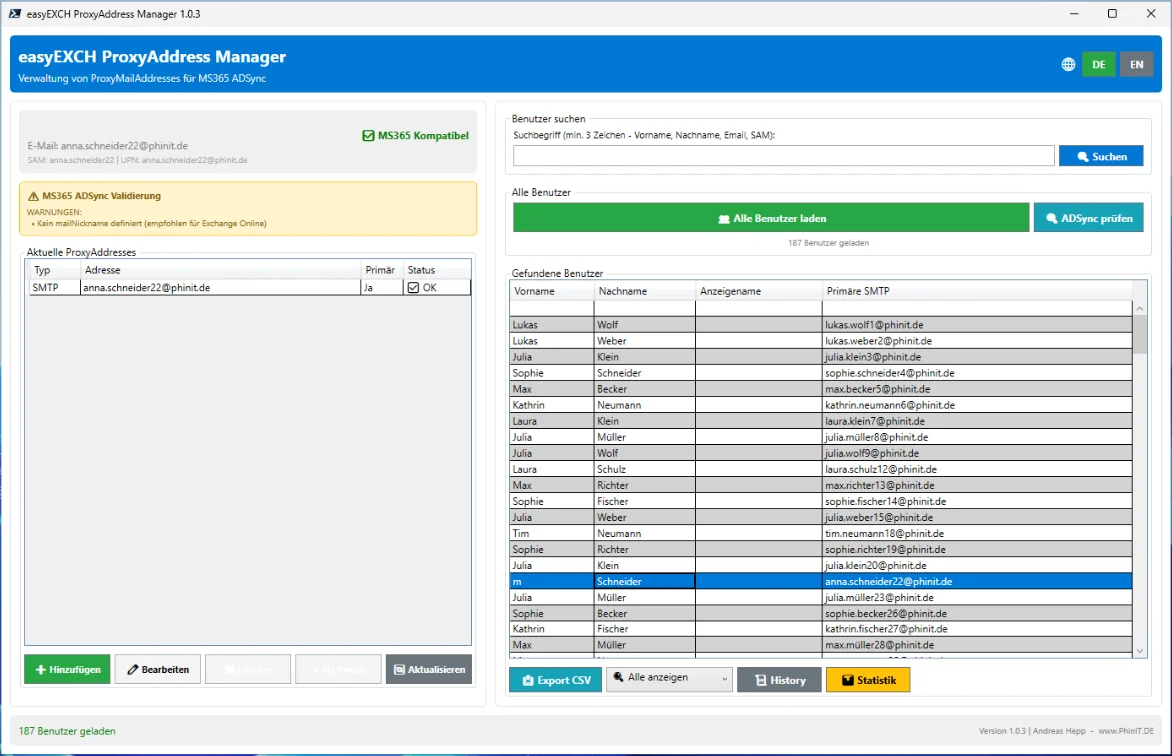
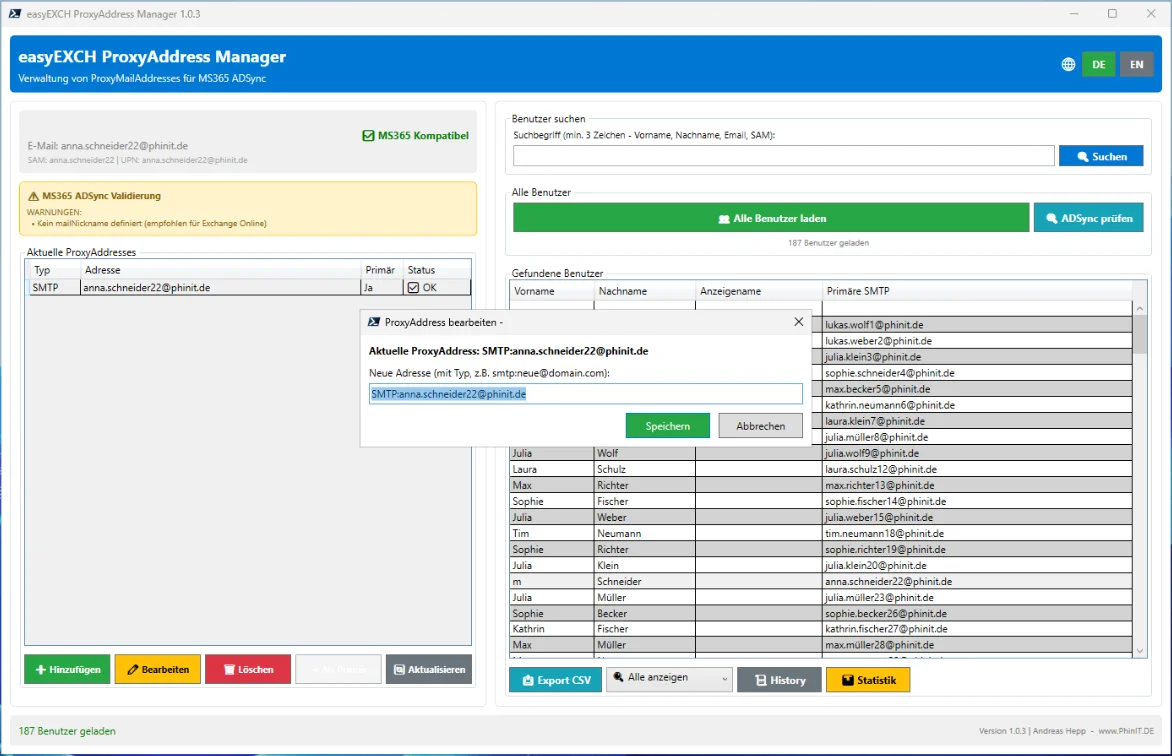
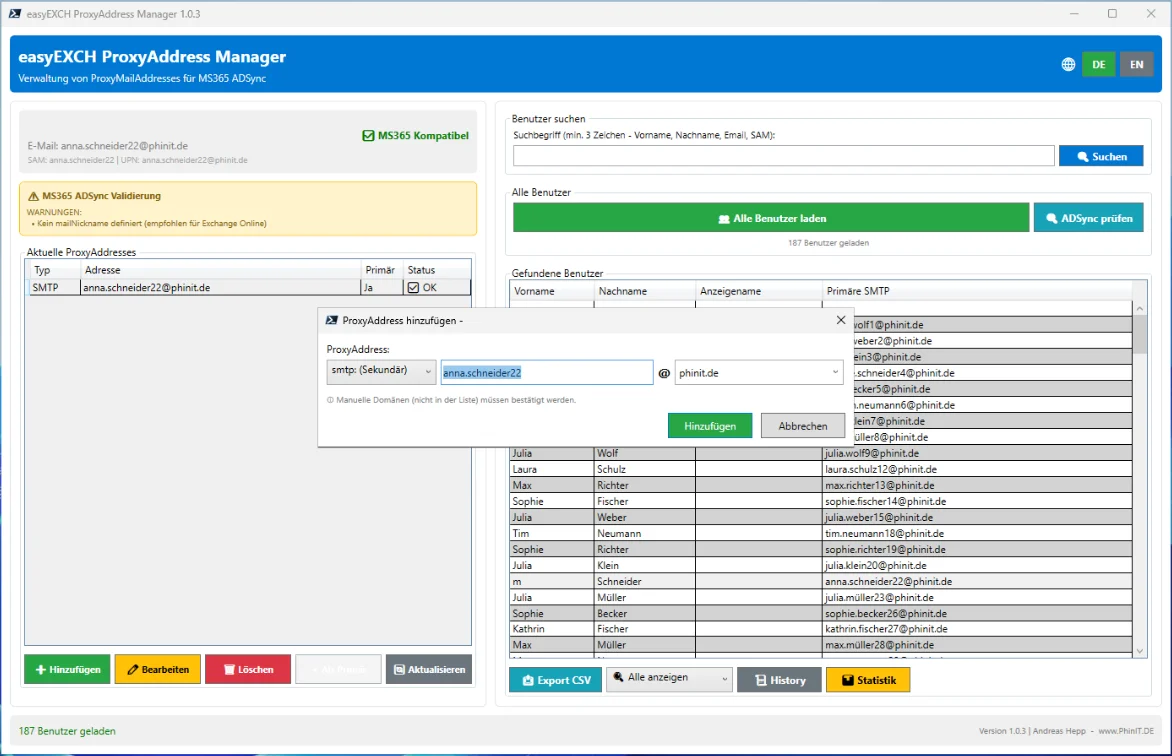
| PhinIT.M365_EXO-ProxyMailAddresses | Simplifies the management of proxy and additional email addresses in Exchange Online. |
Ninja RMM & Windows diagnostics
Remote management has produced ready-to-use scripts for remote monitoring and everyday server work – tested, documented bilingually and designed for safe operation.
| Repository | Zweck |
| PhinIT.NinjaONE-Scripts | Over 160 Windows scripts for NinjaOne, sorted by topic (system, updates, software, certificates, DNS, BitLocker, security, network, users). The diagnostic scripts are read-only, change no settings, trigger no reboot, are tested with Pester and documented throughout in German and English. |
| PhinIT.PowerShell_DNS (Server Management Tool) | Windows DNS management with a modern WPF interface, including auditing functions and DNSSEC support. |
CMS & Web
Nicht alles ist PowerShell – die Grundlage von phinit.de selbst ist ein eigenes Content-Management-System.
| Repository | Zweck |
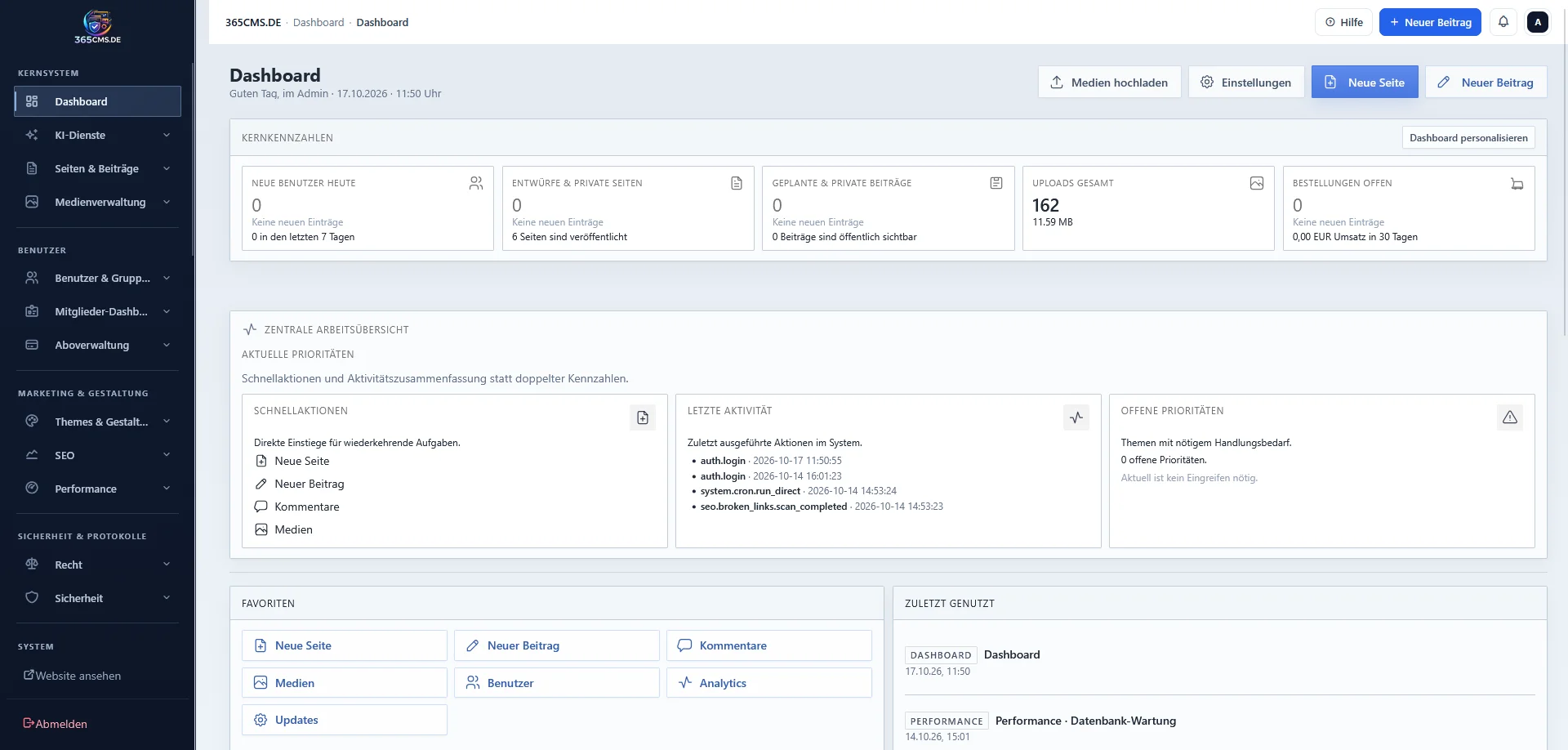
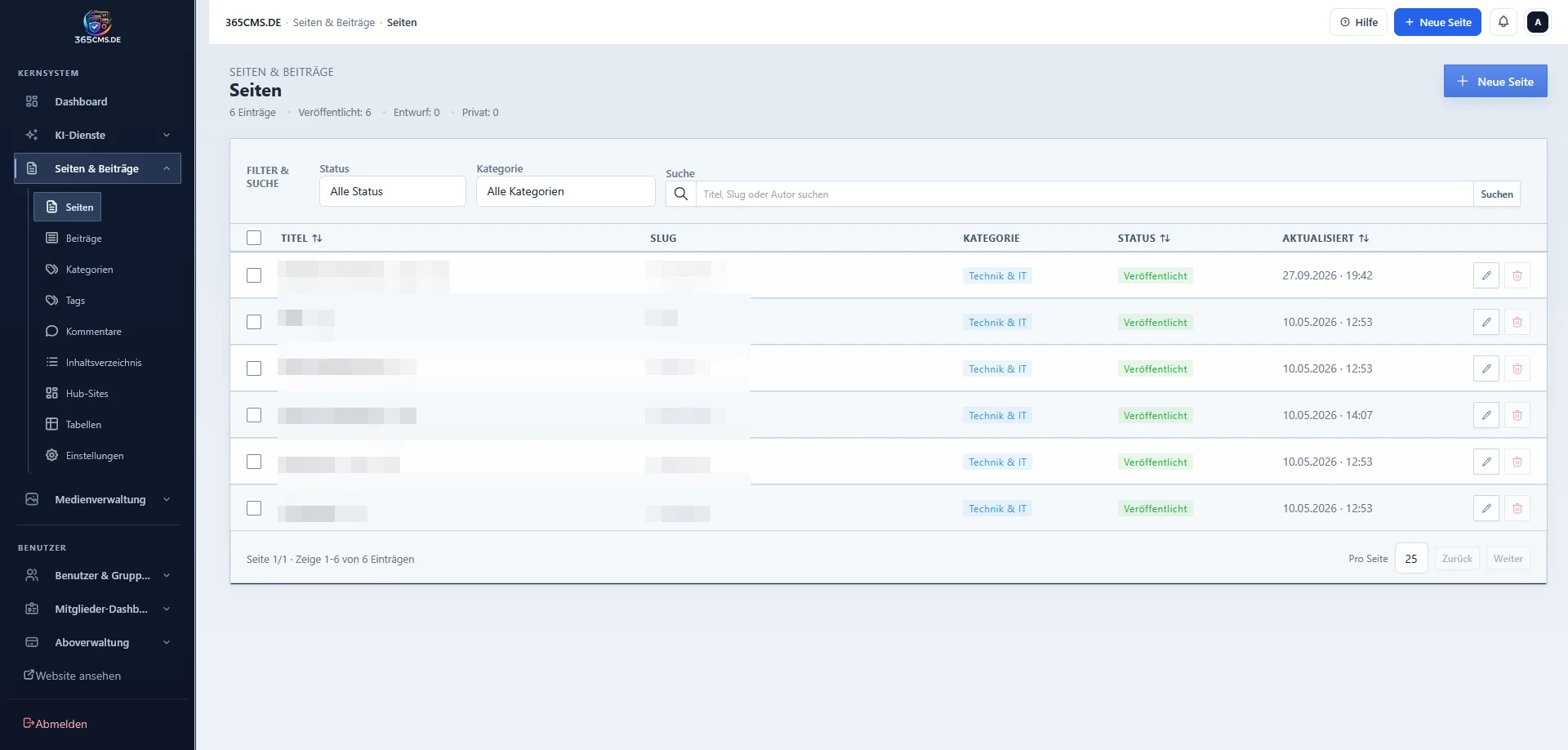
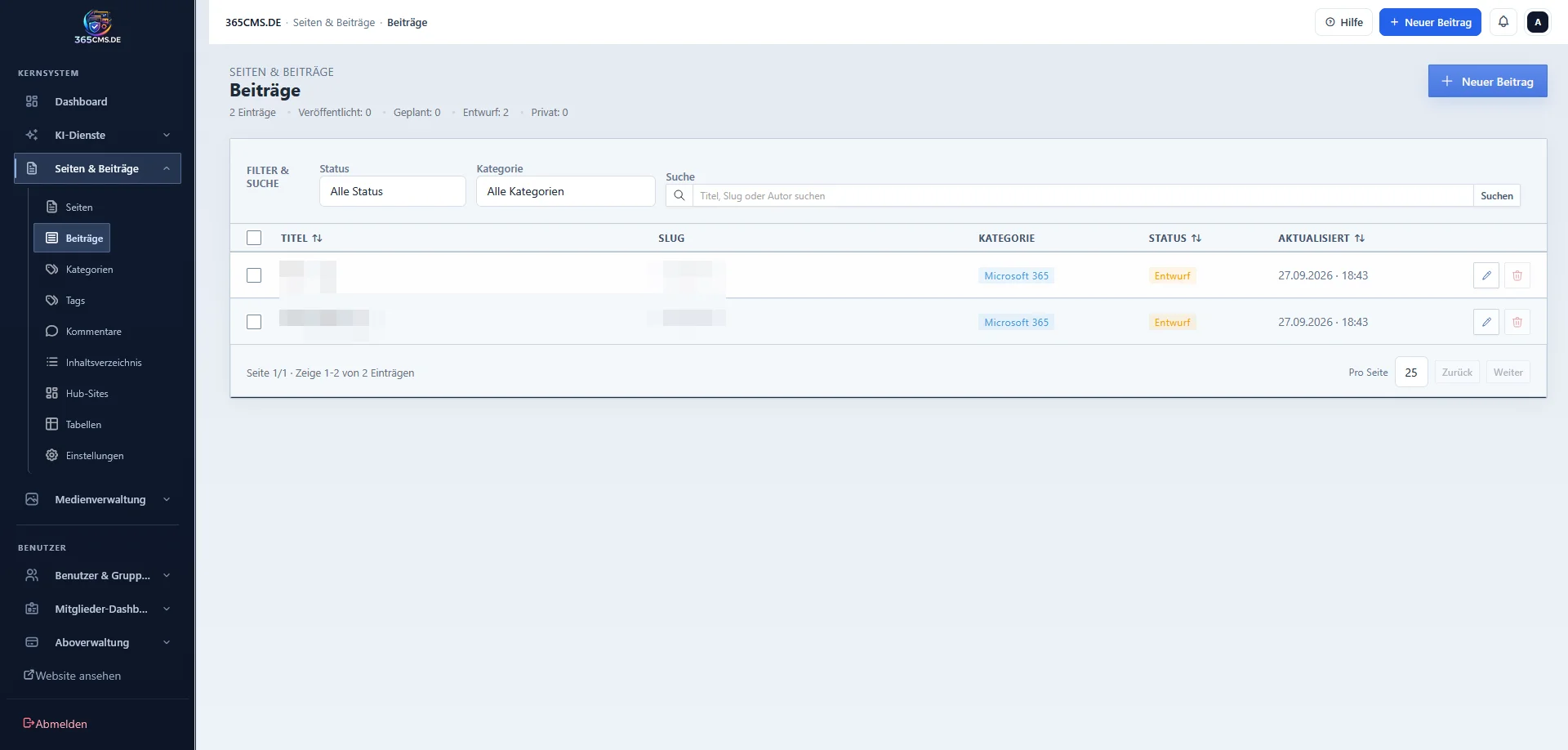
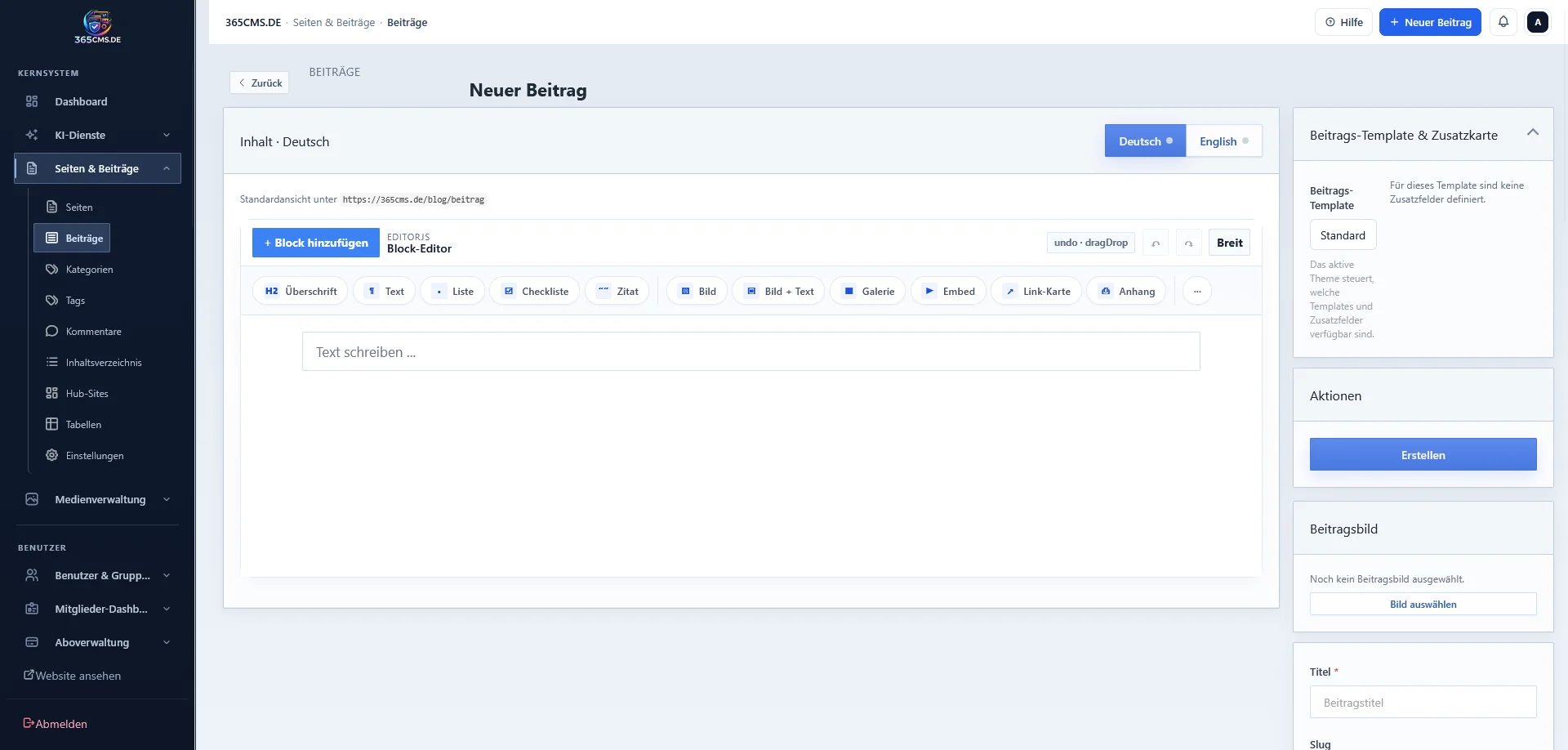
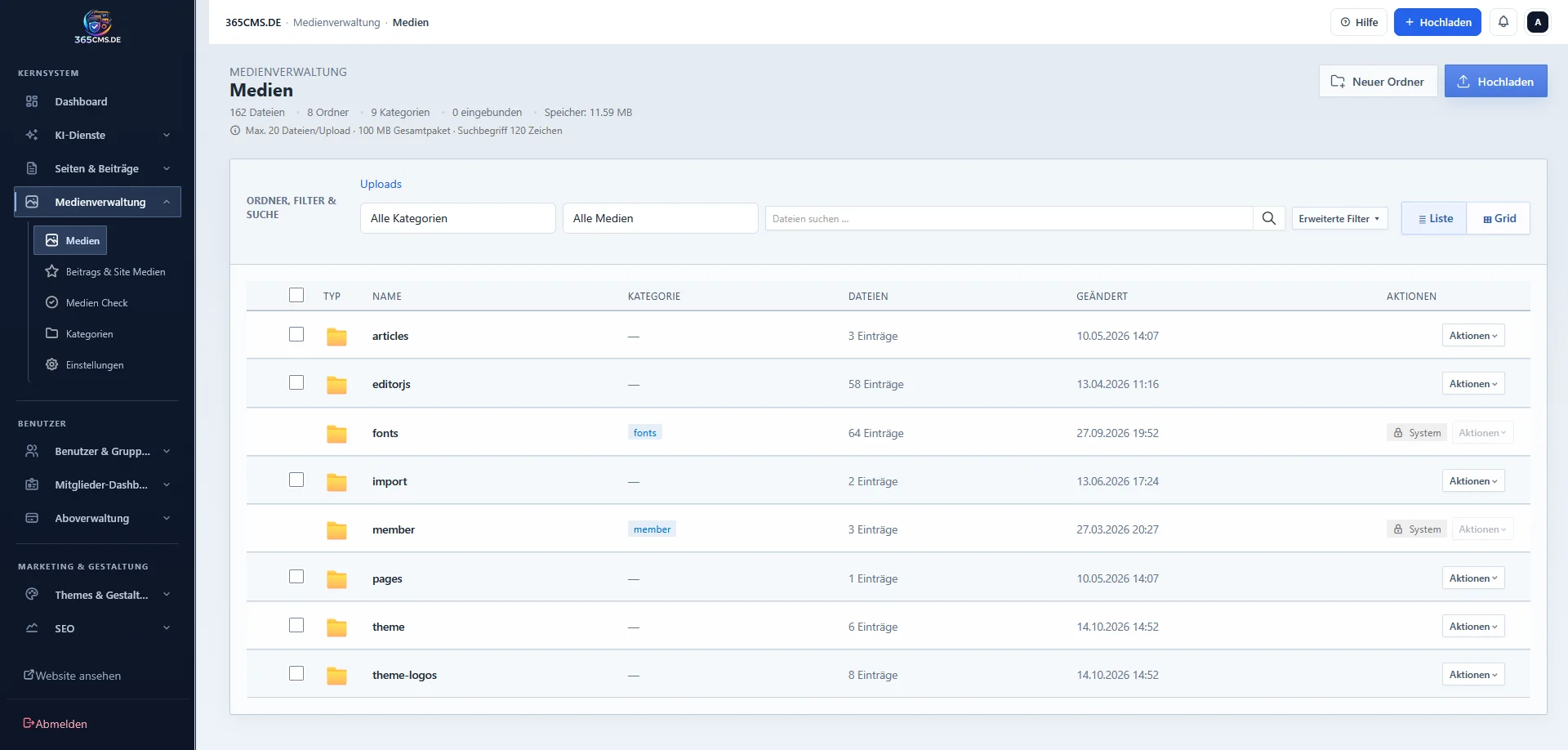
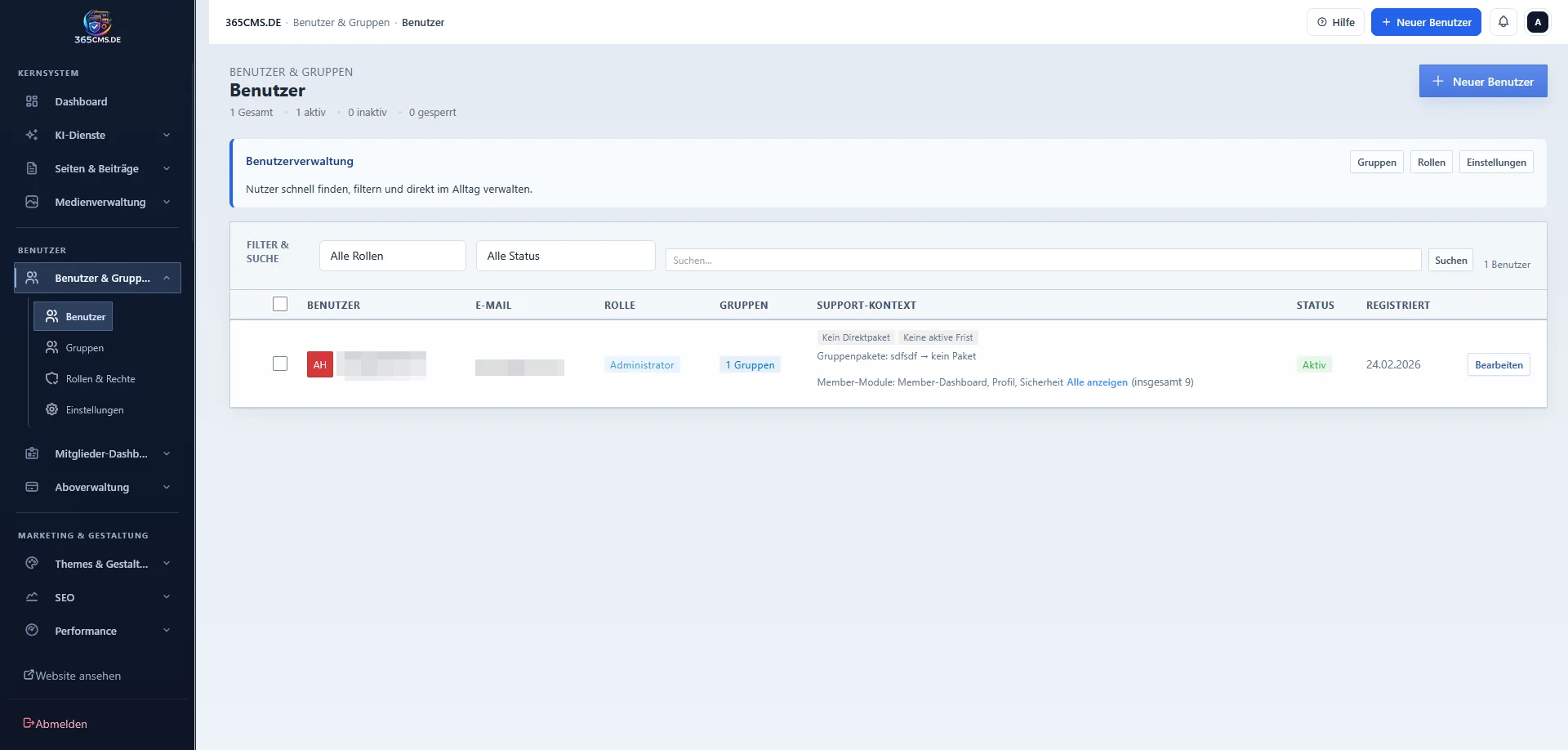
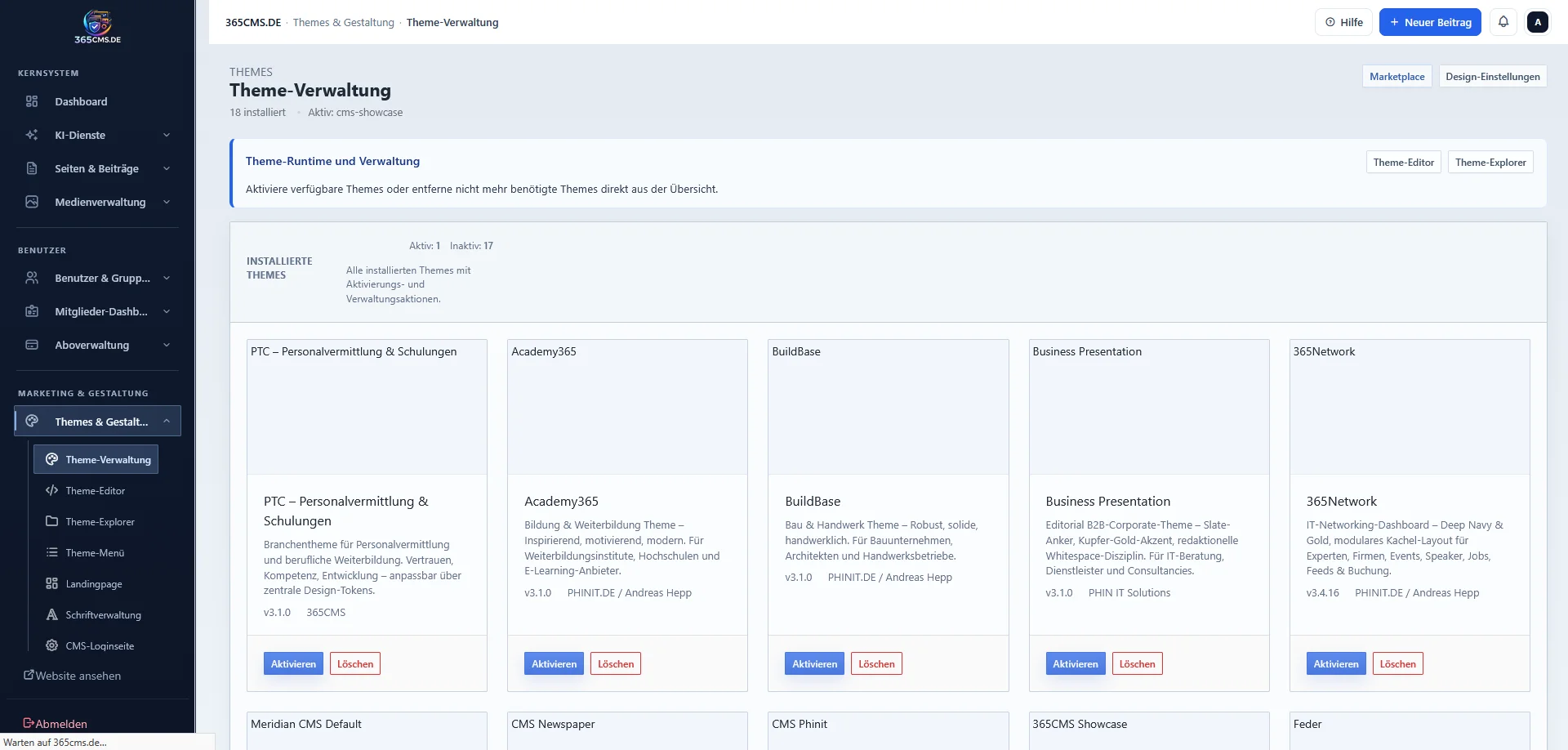
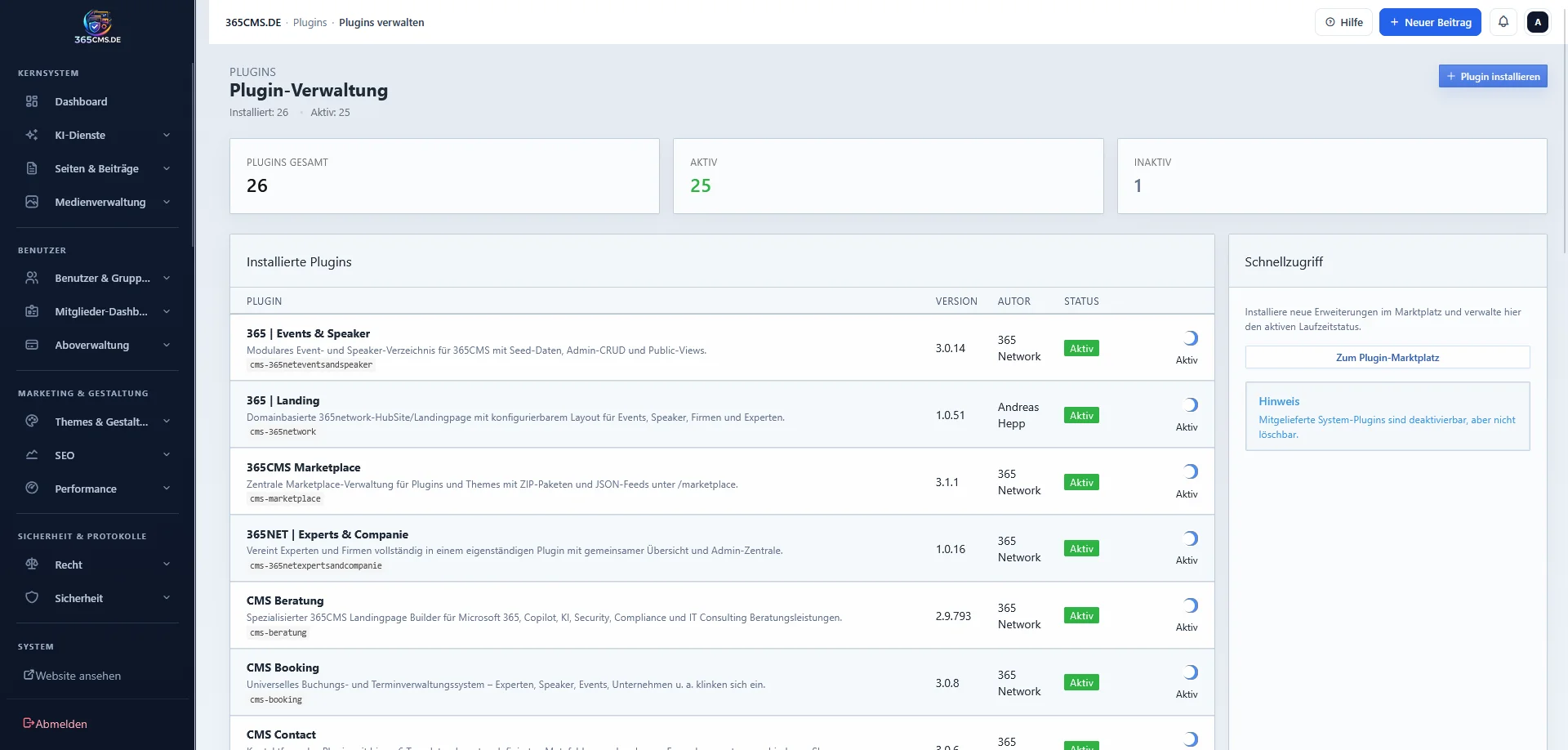
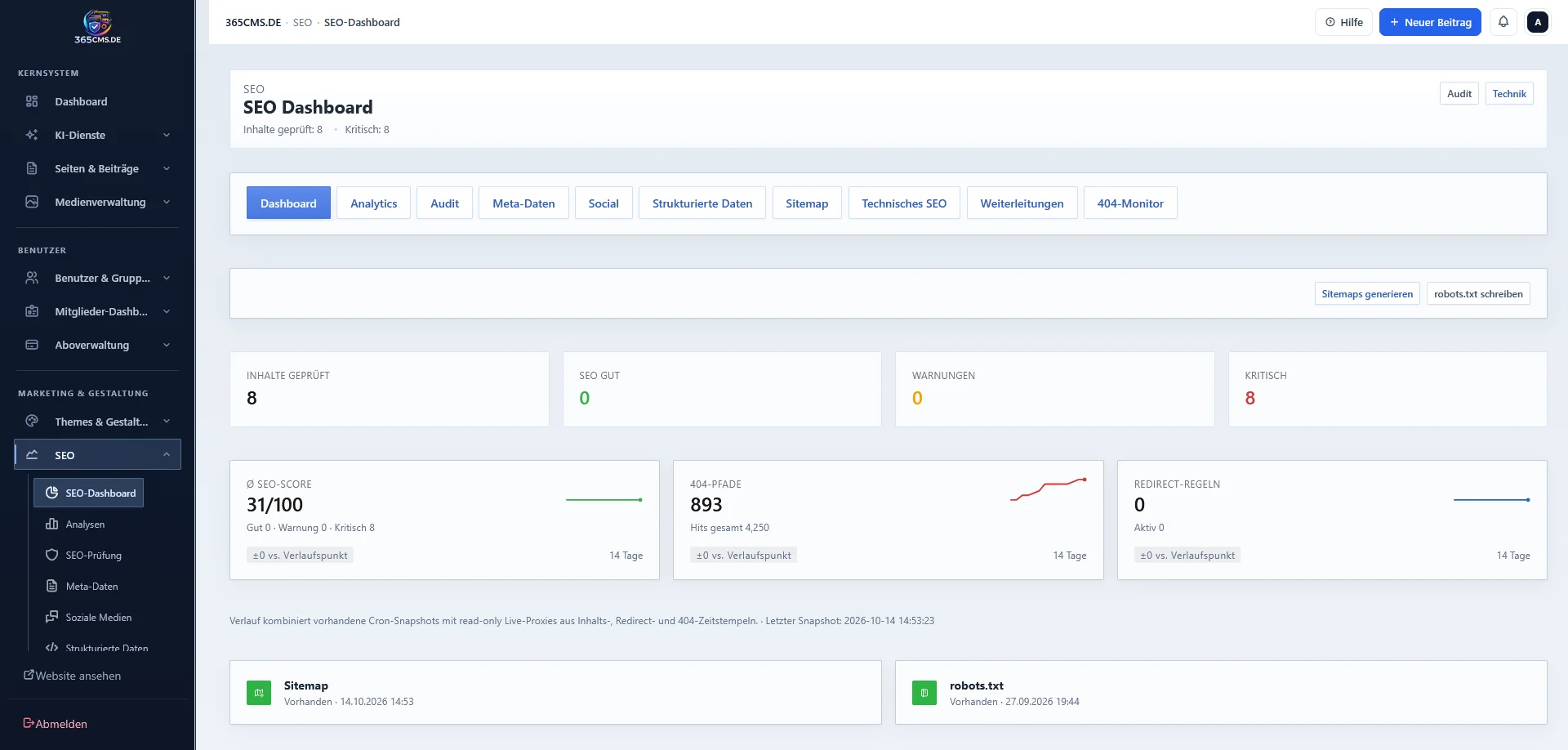
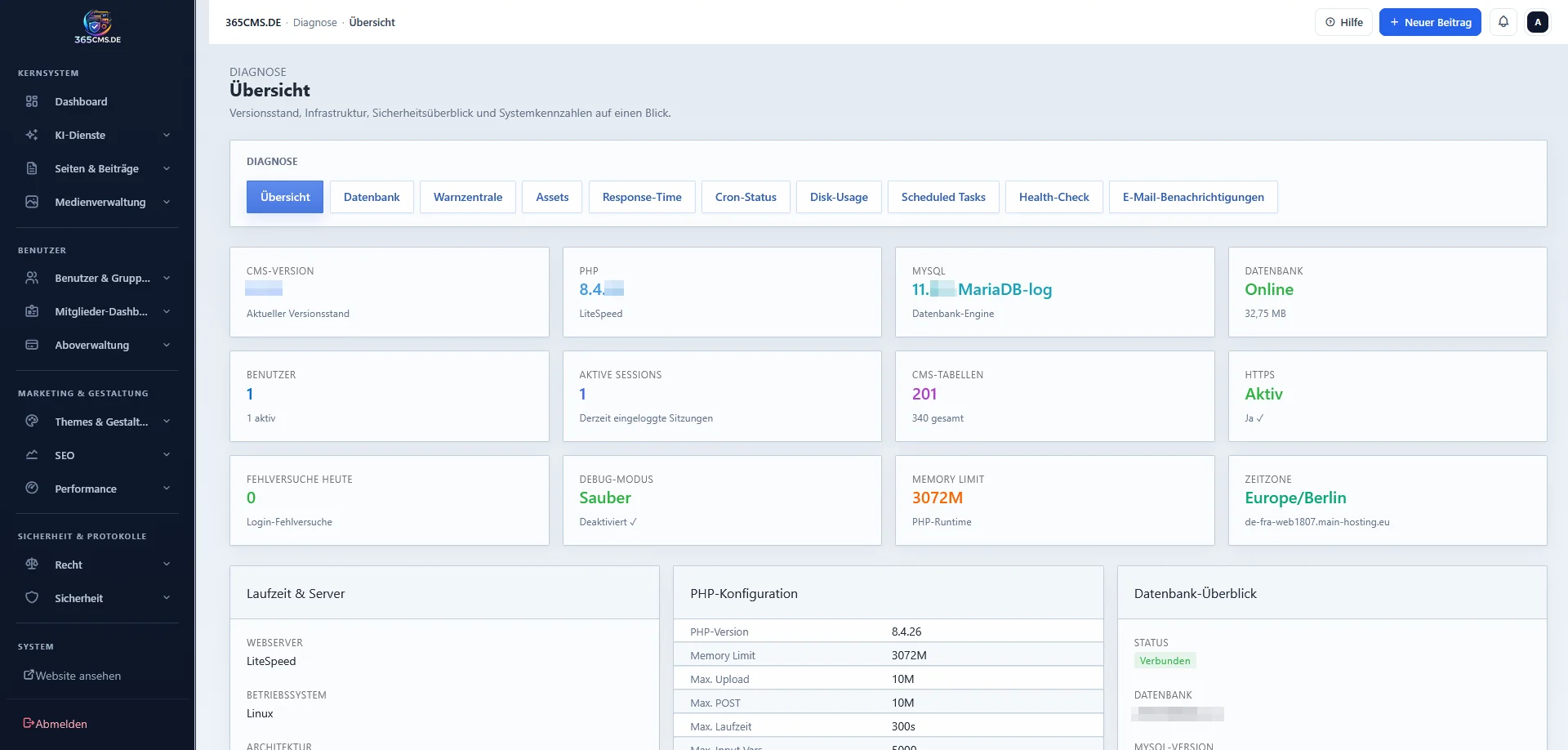
| 365CMS | Self-developed business CMS: secure, modular, extensible via plugins and themes, self-hosted and GDPR-compliant. The system that phinit.de runs on; complemented by its own theme and plugin repositories. 365CMS-Themes 365CMS-Plugins |
| WordPress-Plugins | A collection of in-house WordPress plugins for projects outside of our own CMS. |
All free to use
Most of these projects are released under the MIT license – free to use, adapt and deploy in your own environments. Feedback, bug reports and pull requests are expressly welcome, ideally directly via GitHub. If you'd like to browse, you'll find all repositories gathered at github.com/PS-PhinIT.
